
Hato
The minimalist email client for Gmail on Mac. You decide who gets in. No noise, no distractions.
Download for Mac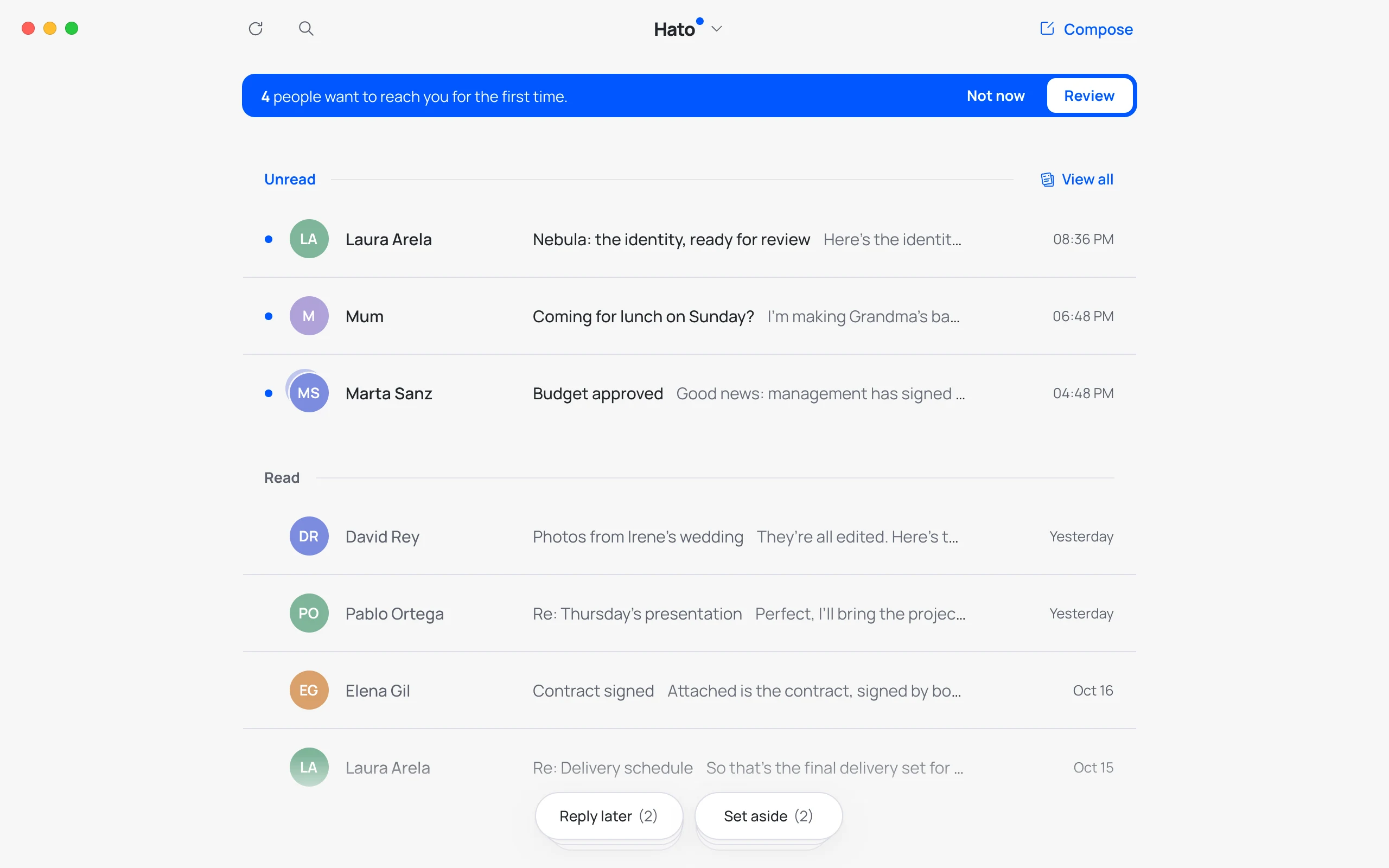
Meet Hato
Your email, at peace.
A minimalist email client: just what matters, with no noise and nothing extra. And Hato, our pigeon, makes sure it all just works.
Guardian
Nobody gets in without permission.
Like a good bouncer: if they’re not on your list, they wait at the door.
Not everyone gets into your home. Same goes for your inbox.
Speed
As fast as your hands.
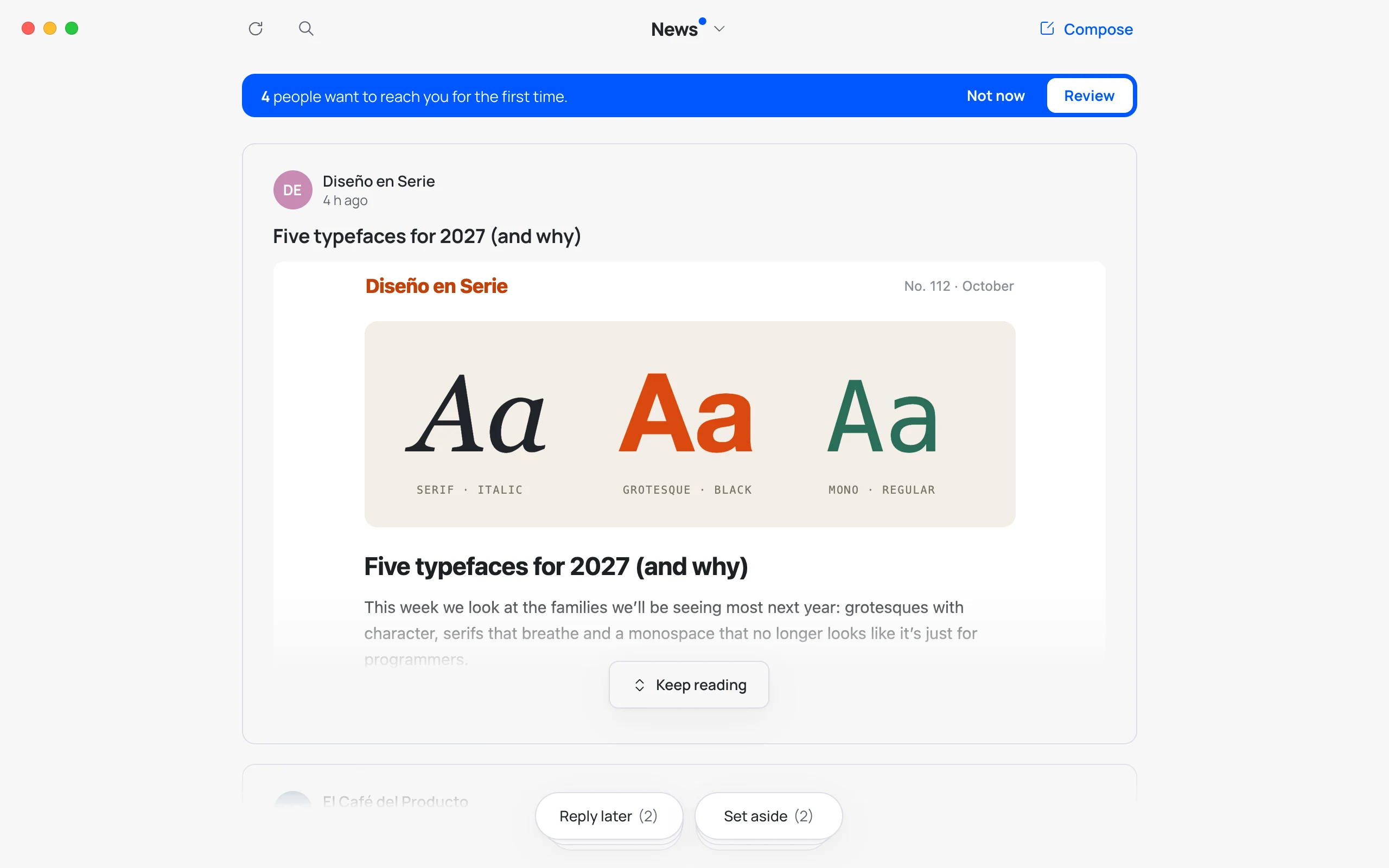
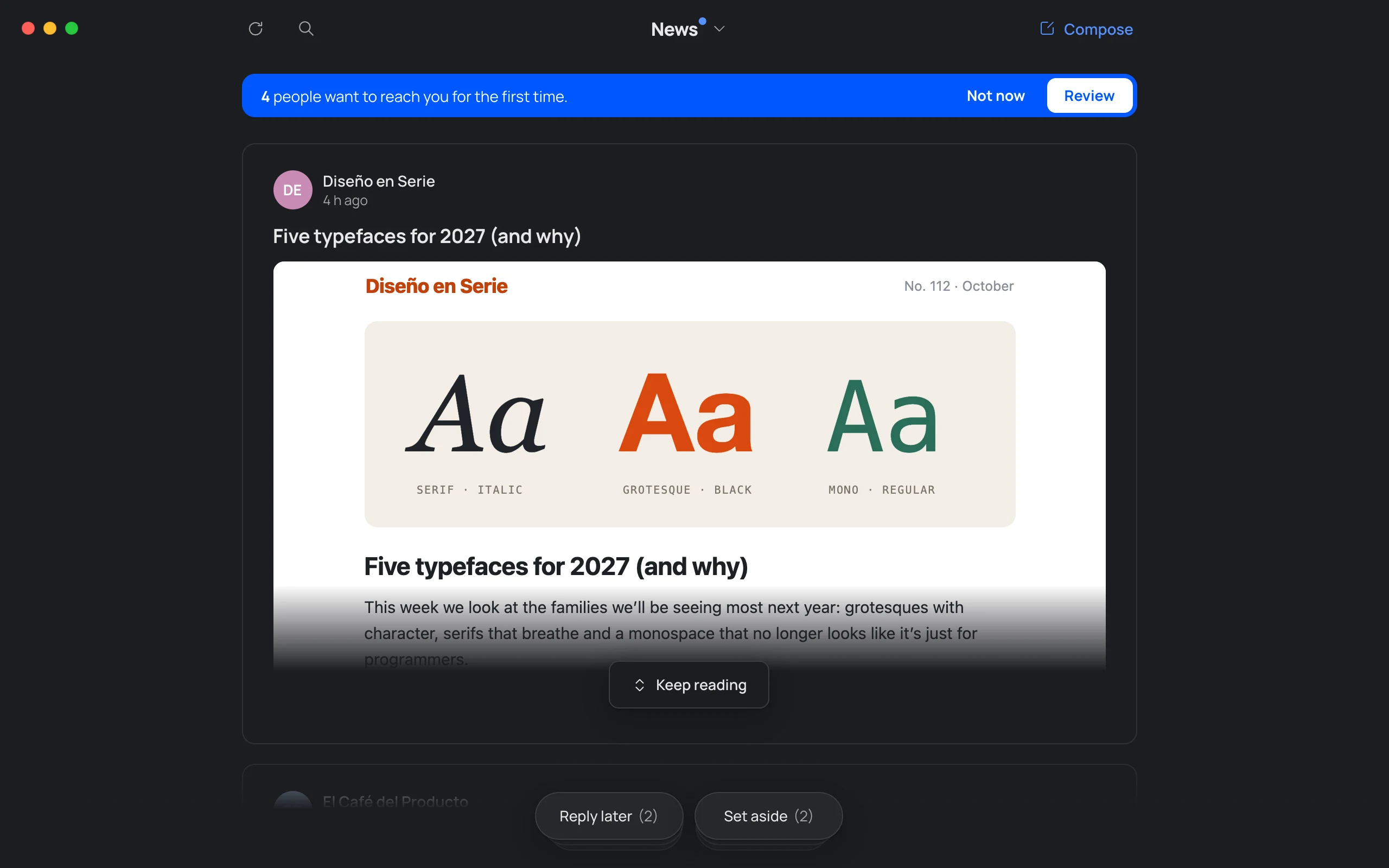
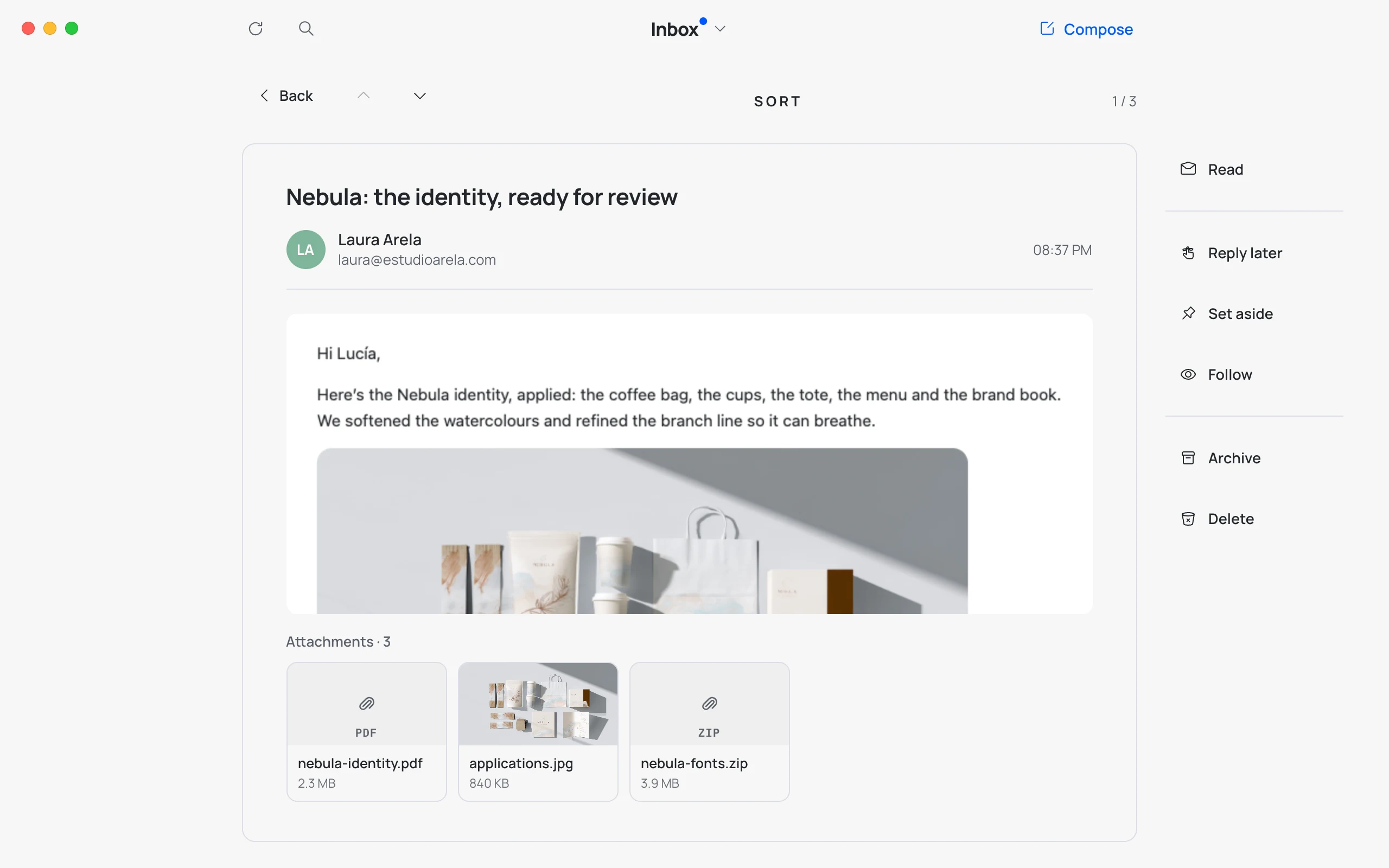
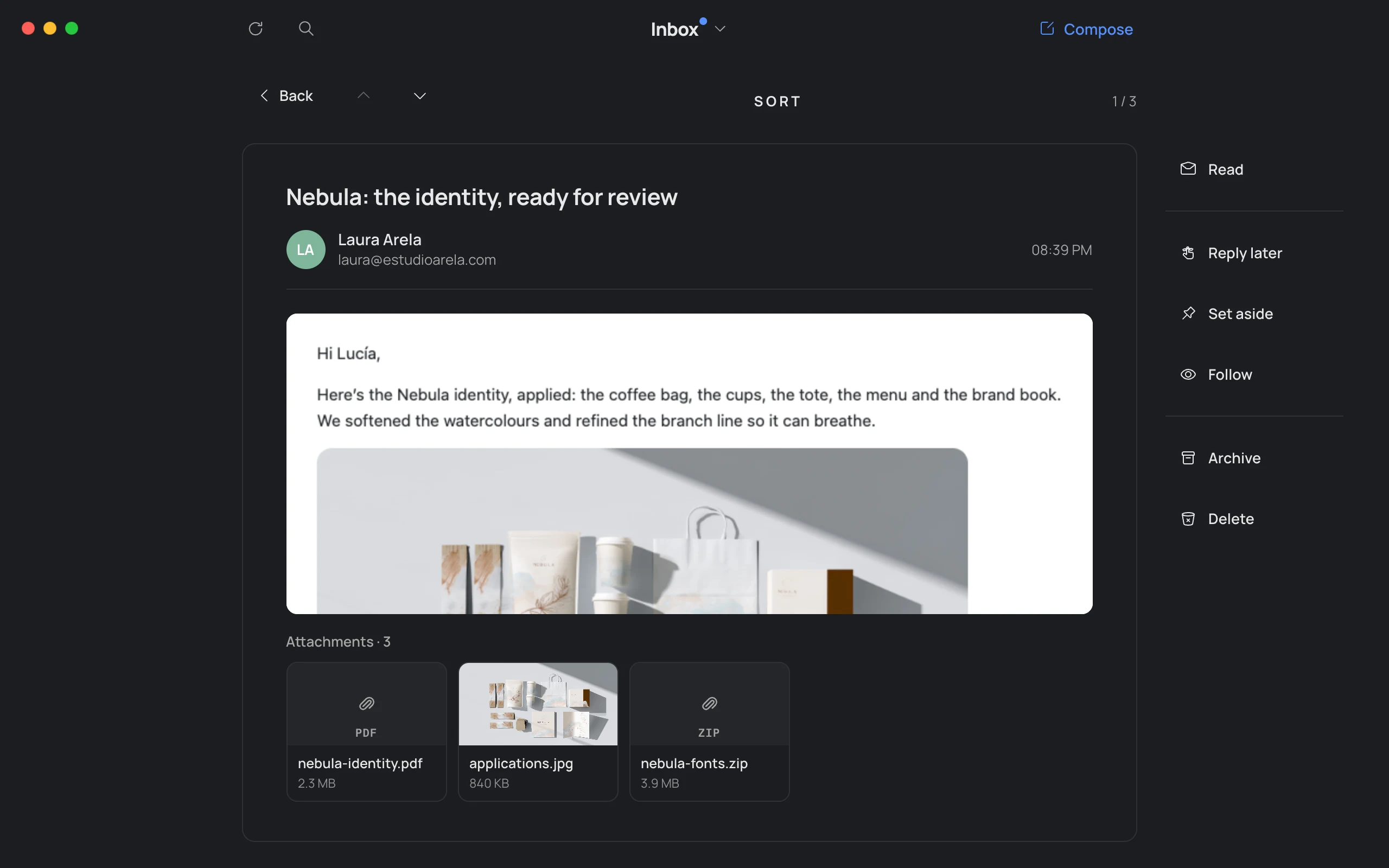
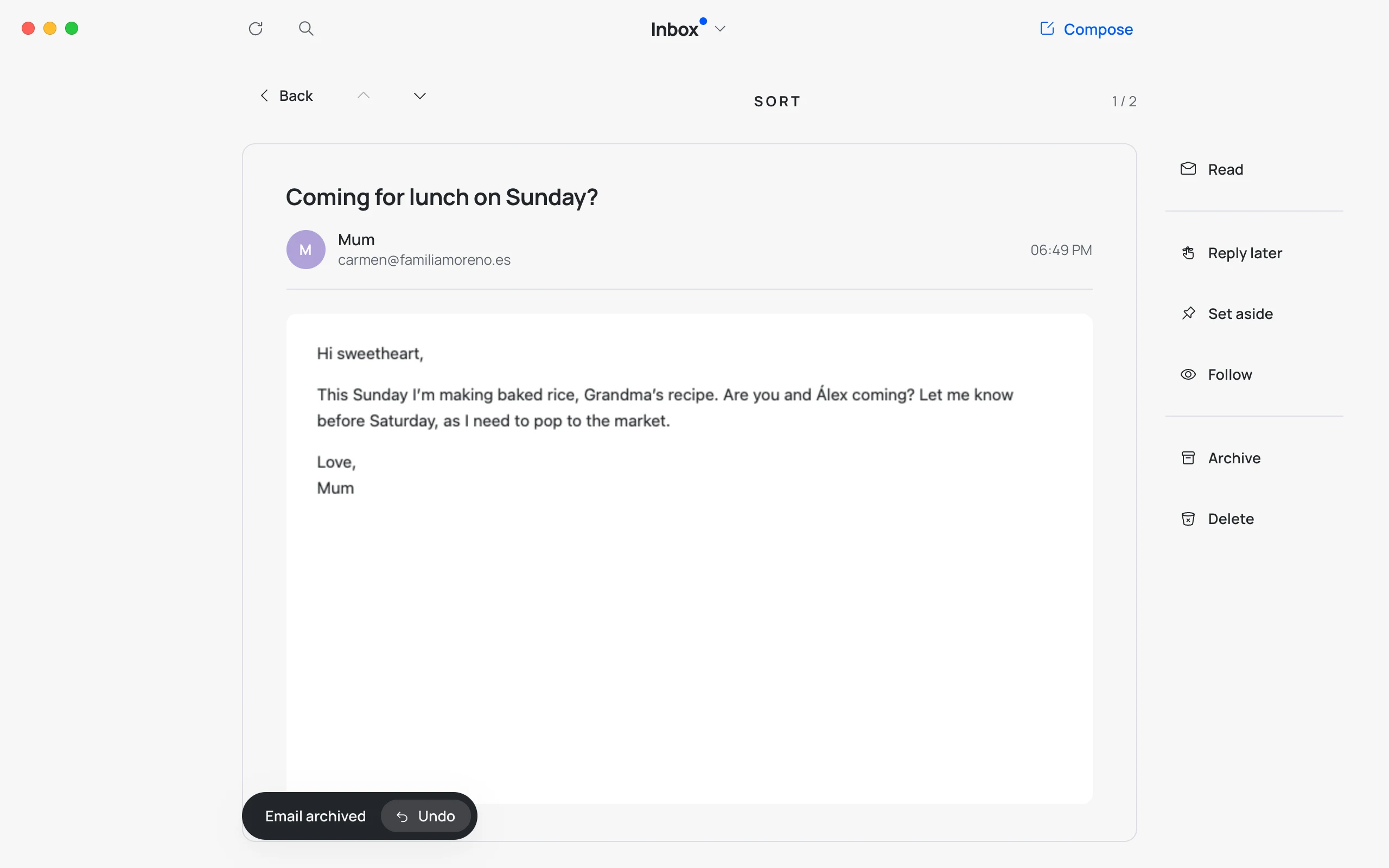
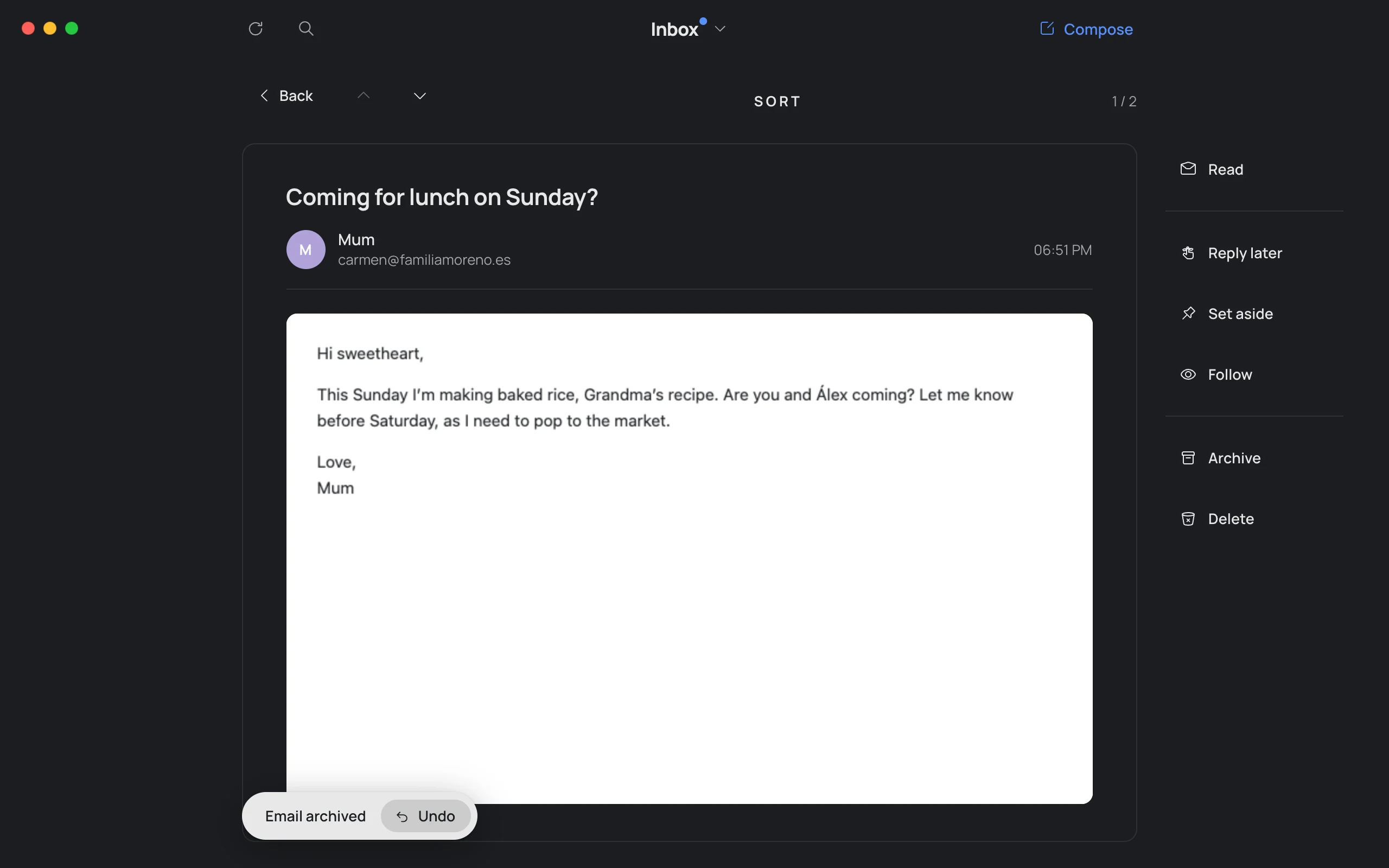
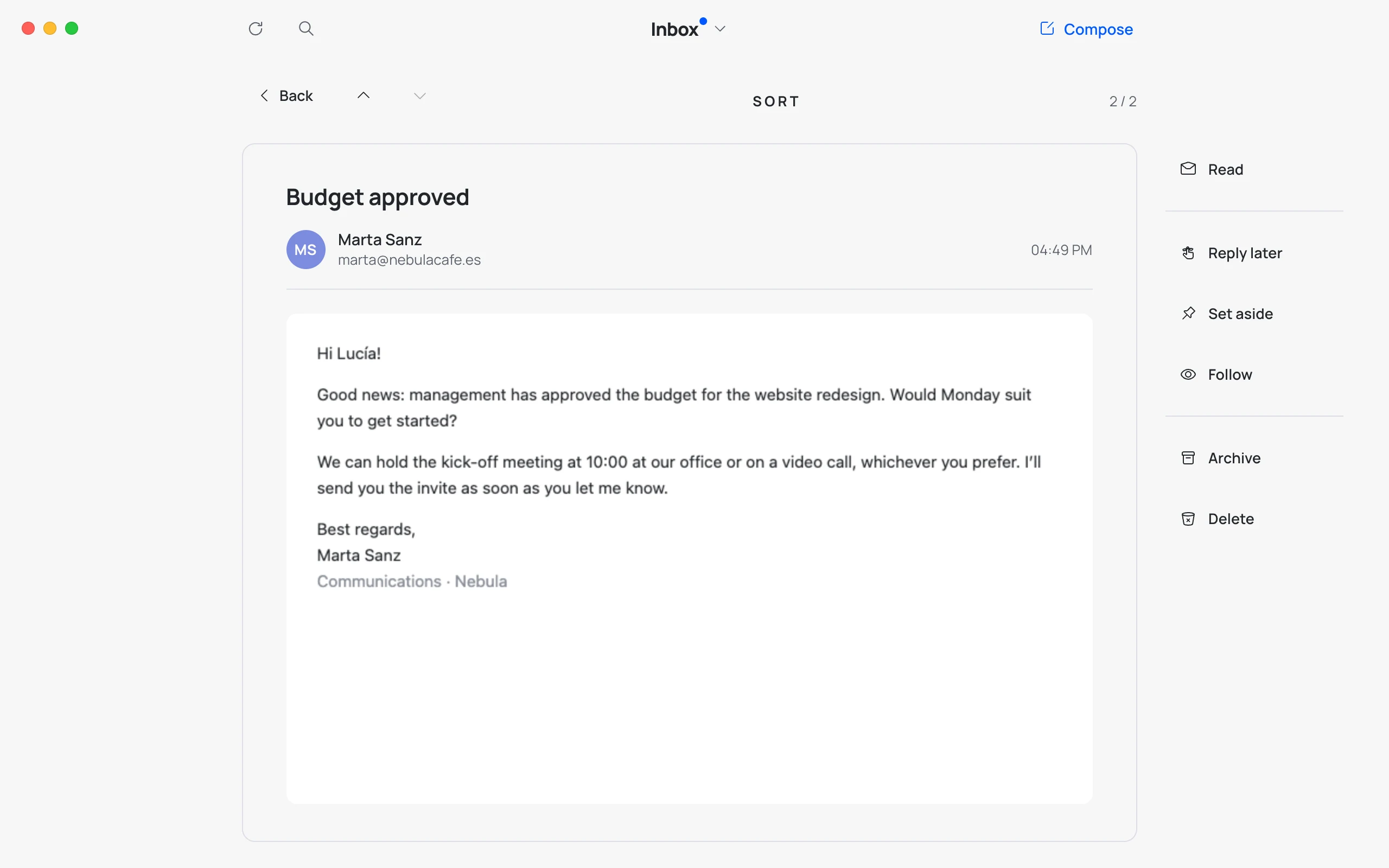
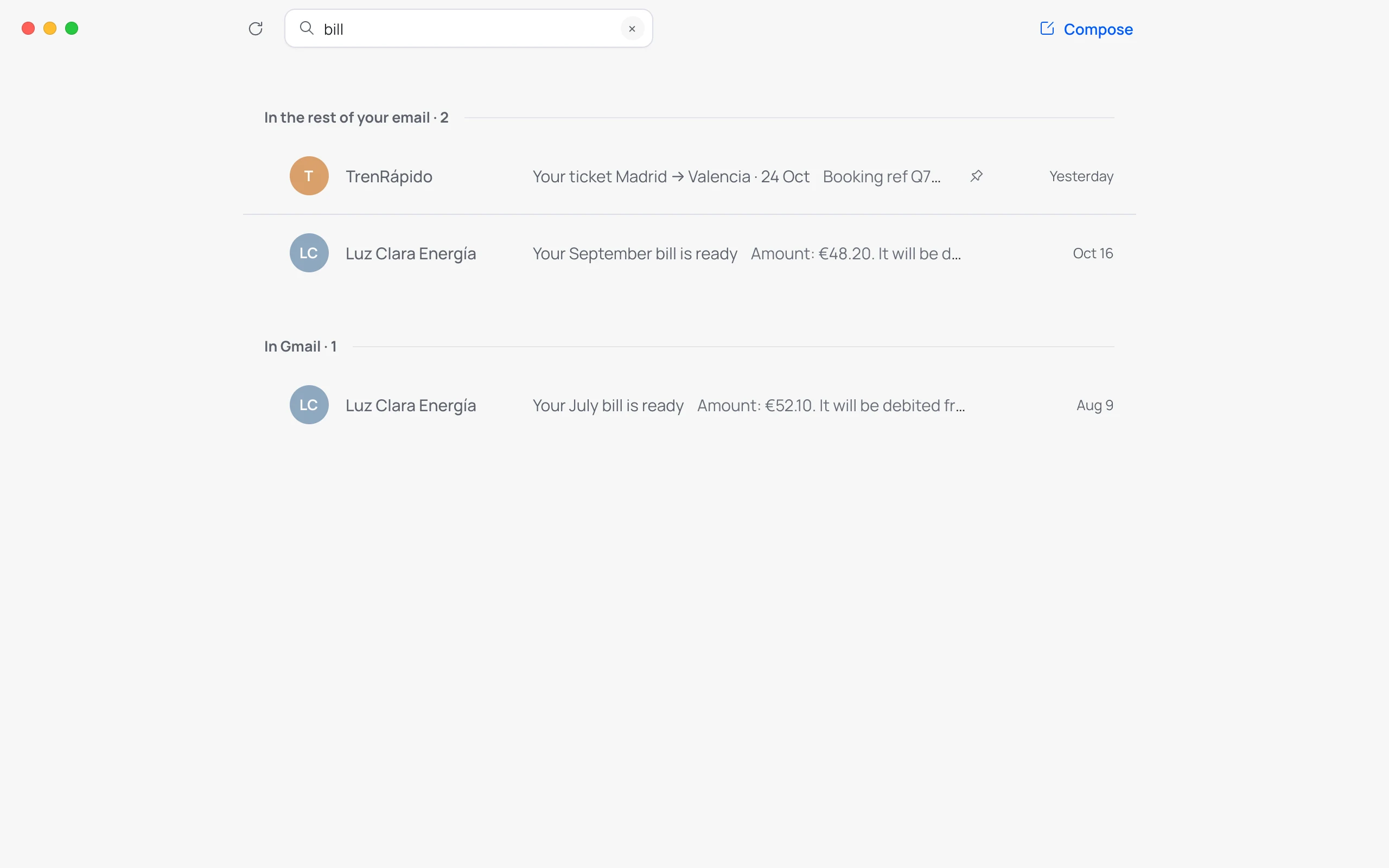
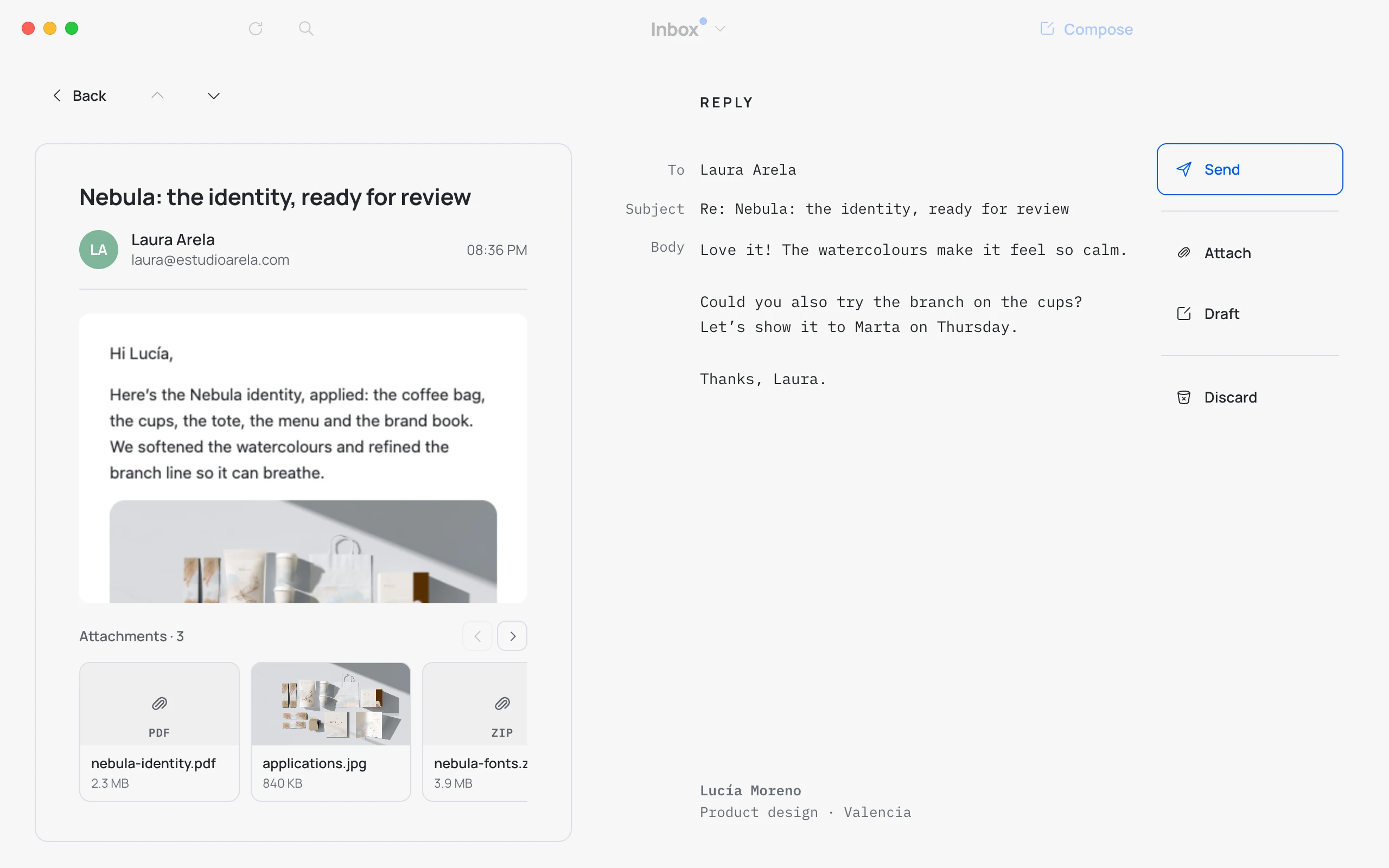
Hato keeps a light copy of your email on your Mac: it opens instantly, searches as you type and works entirely from the keyboard. One key for almost everything.
Order
Every email in its place.
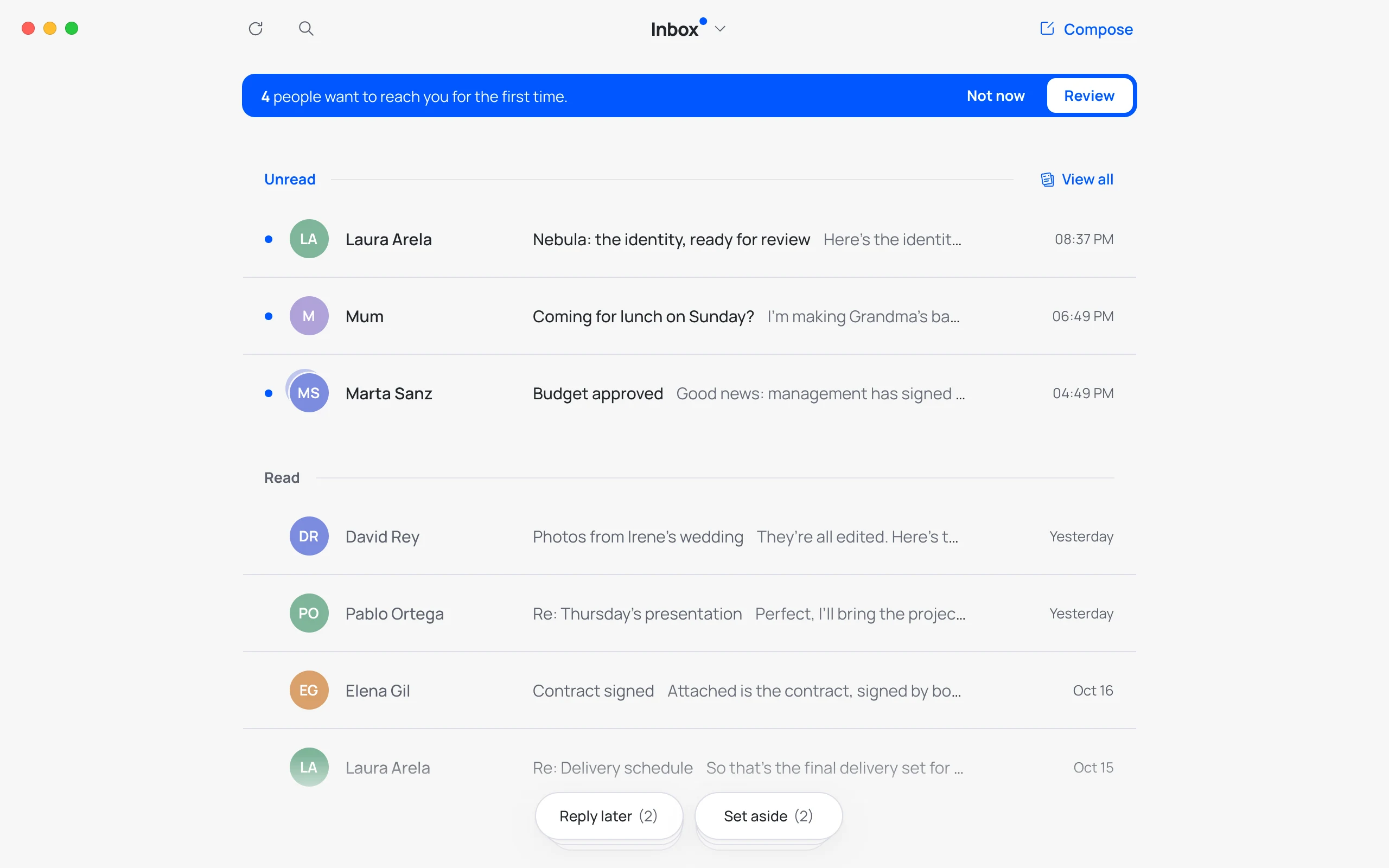
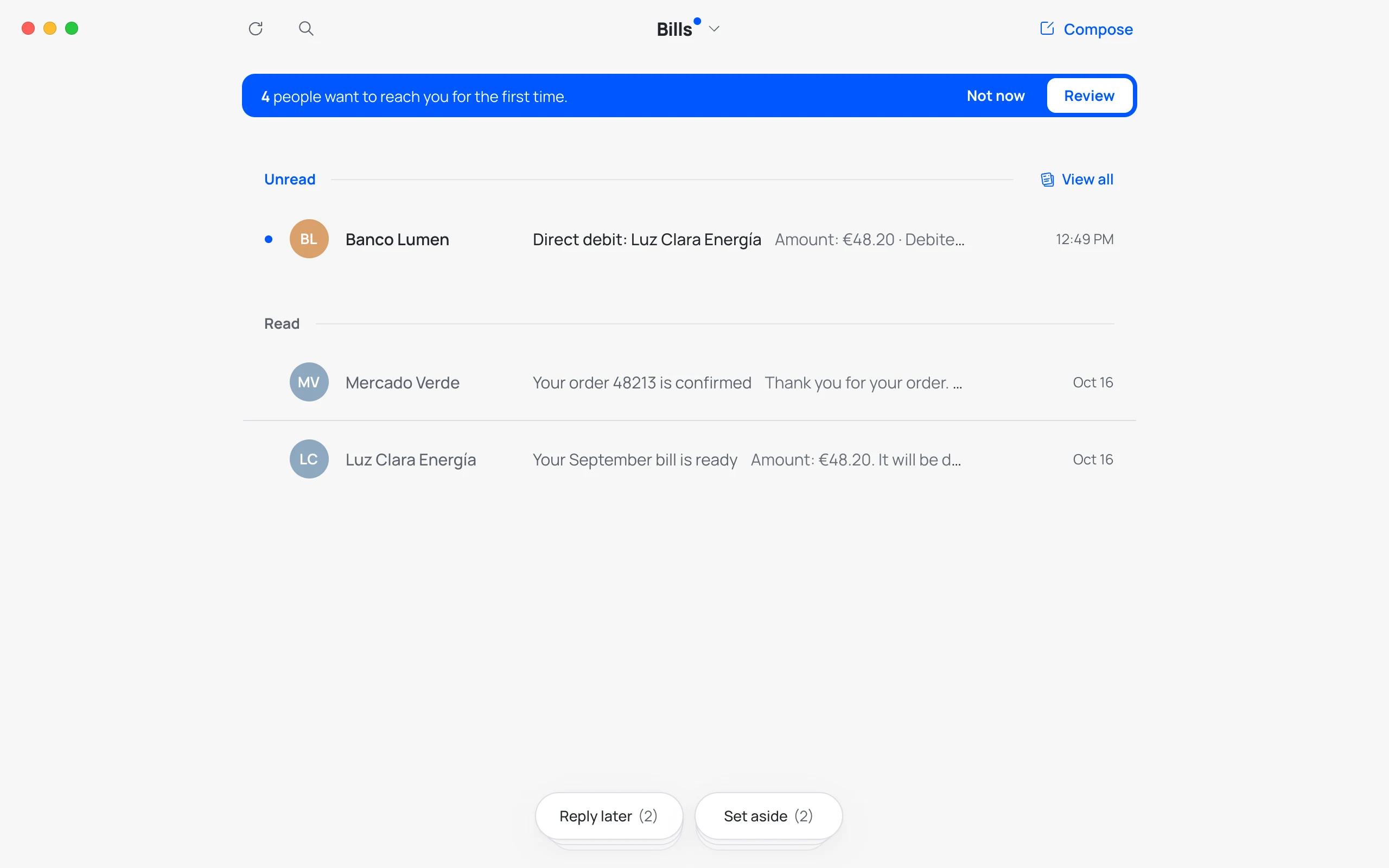
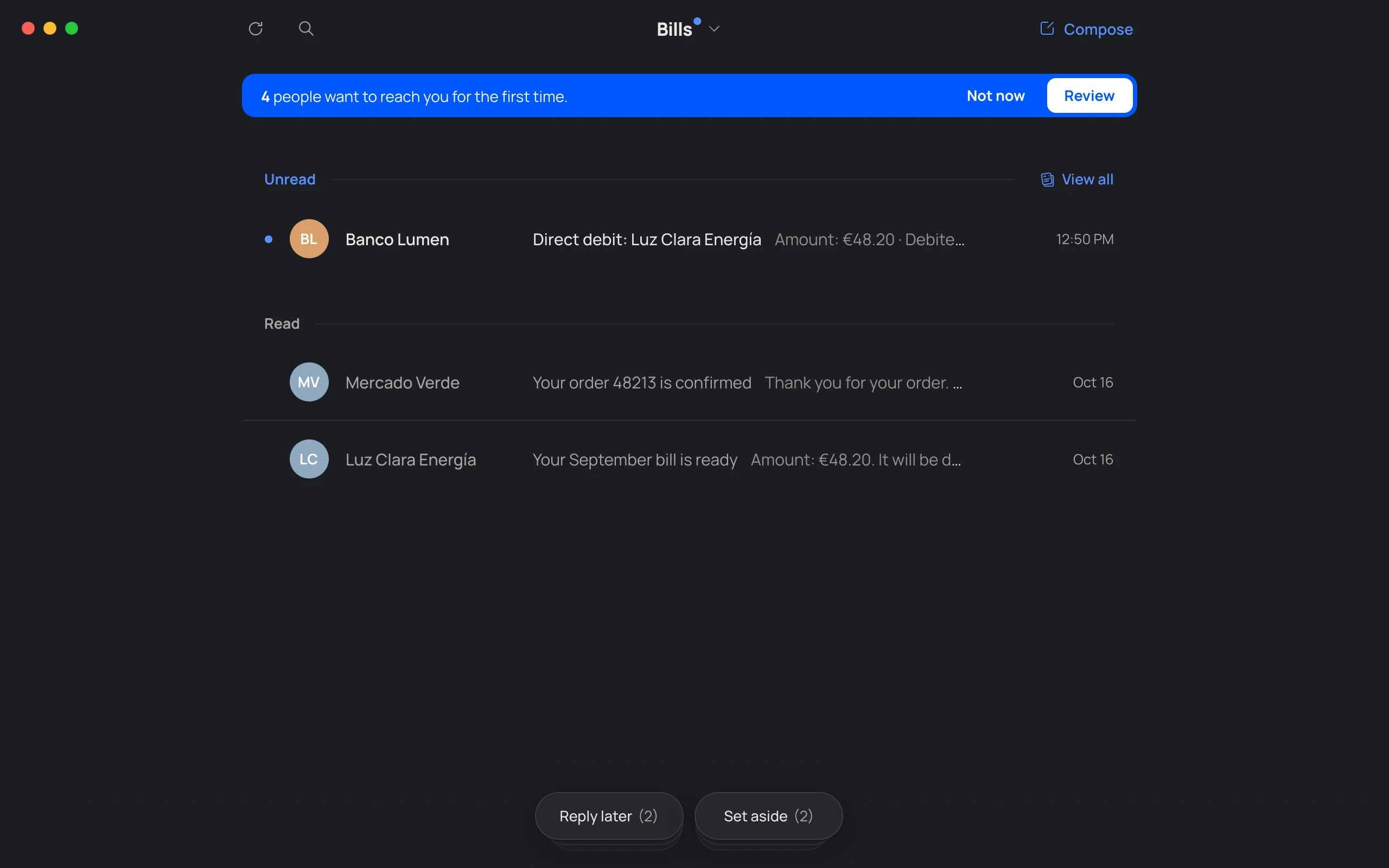
Gmail puts everything in one inbox. Hato sorts it out: people in your Inbox, newsletters in News and receipts in Bills. And what’s pending, in three piles always at hand.
Simplicity
Fewer buttons. More calm.
Every screen shows just enough. No red badges, no tabs, no menus you never use. What you don’t need isn’t there, and what you need is right where you expect it.
Your way
Your email, your rules.
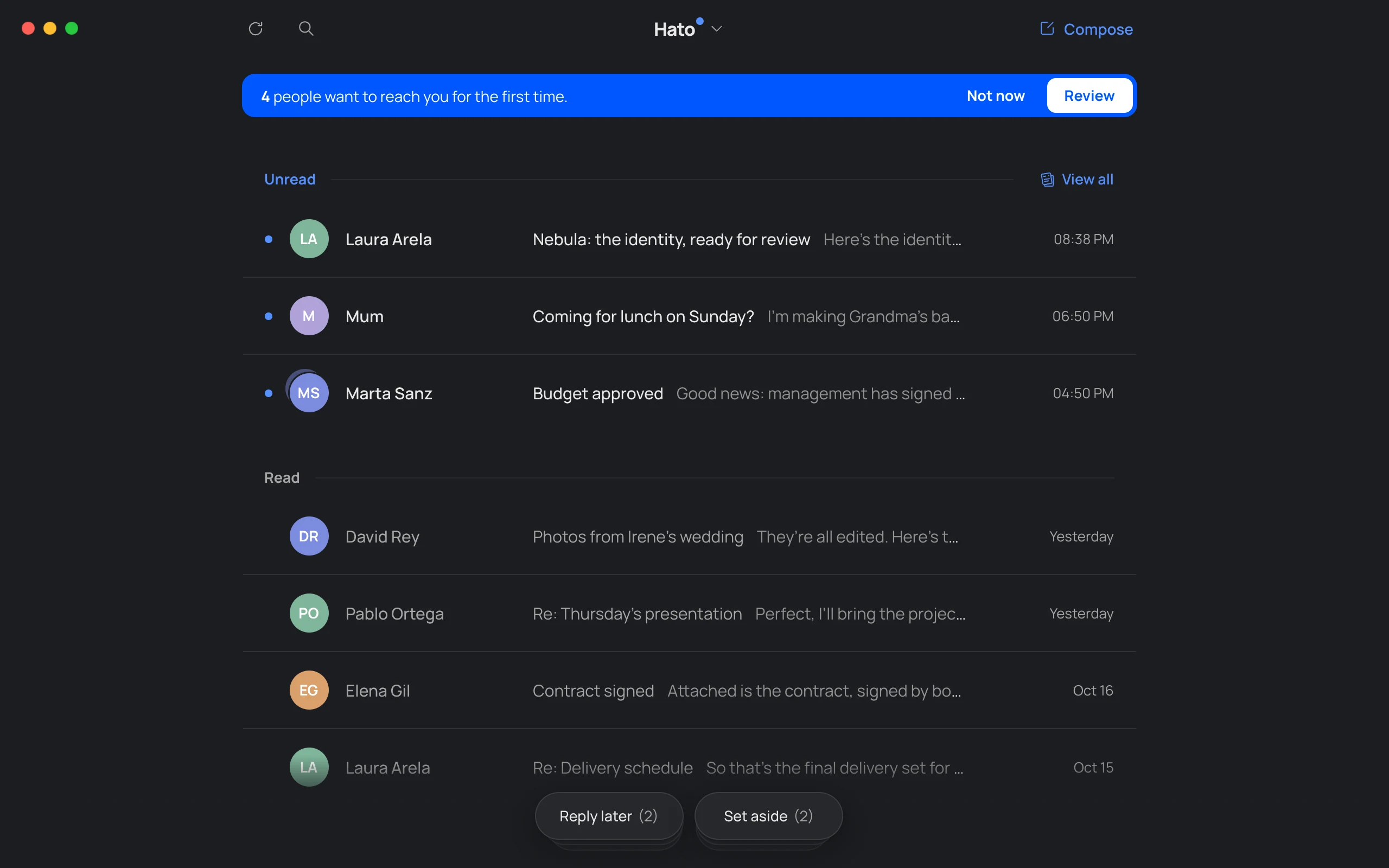
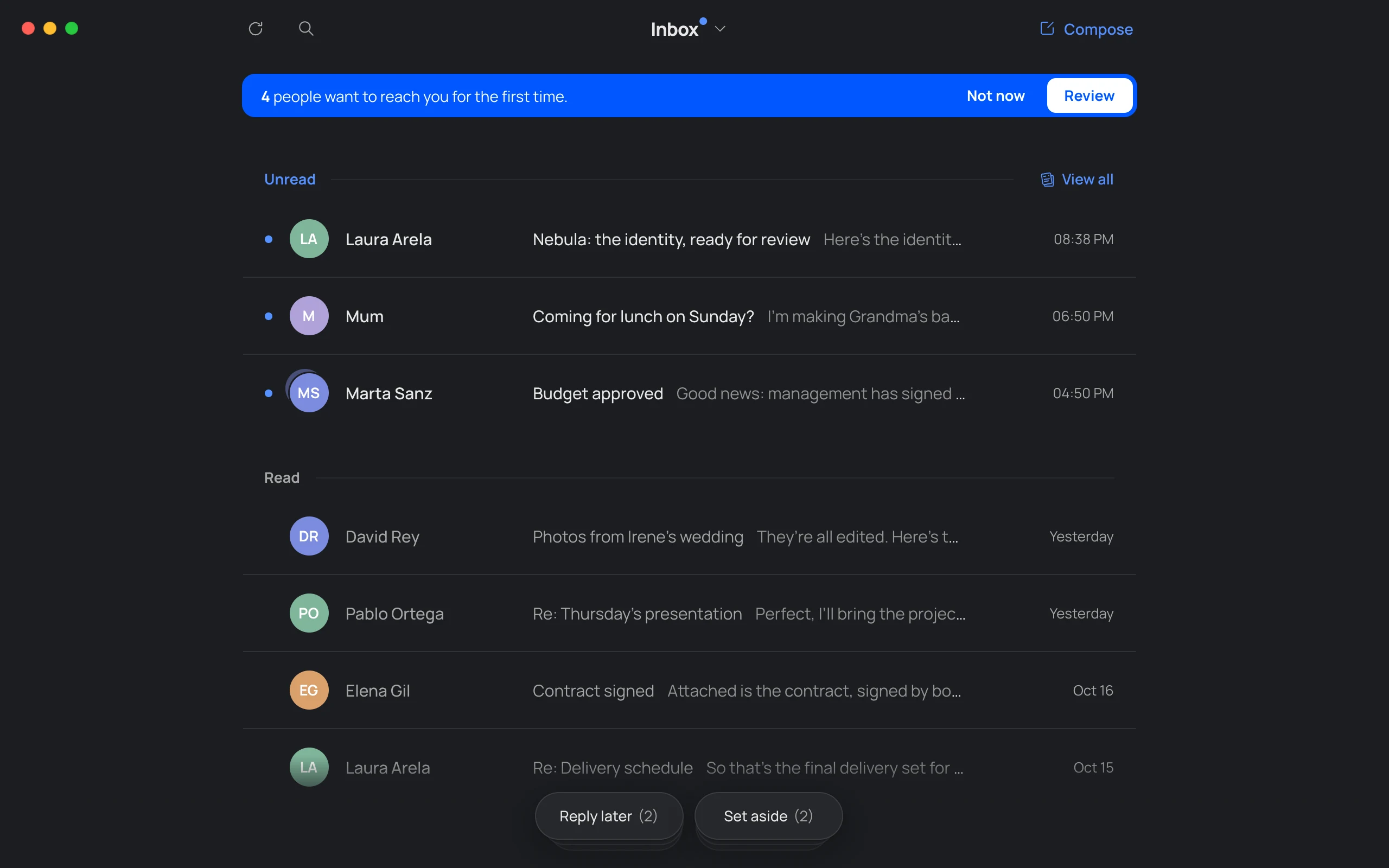
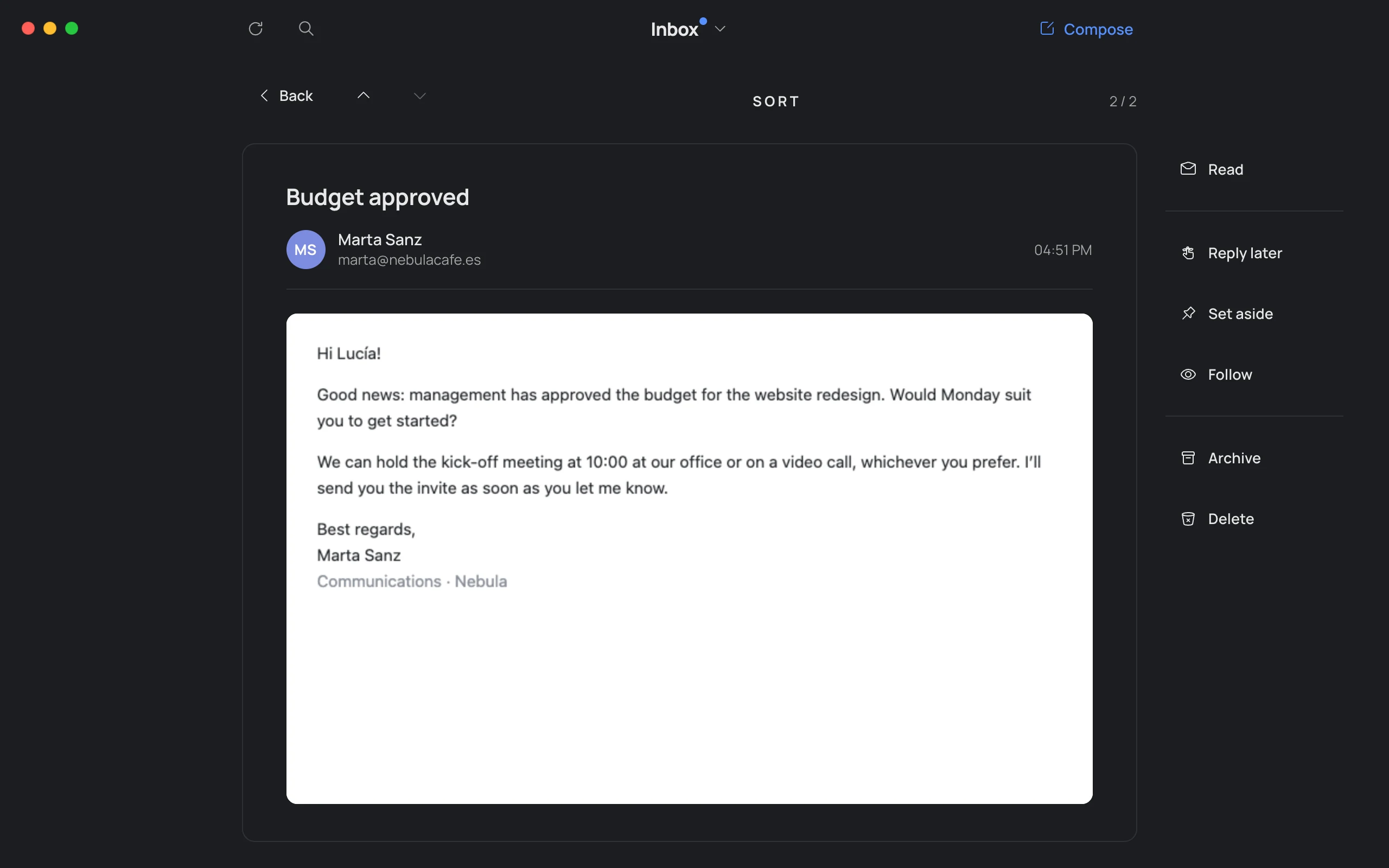
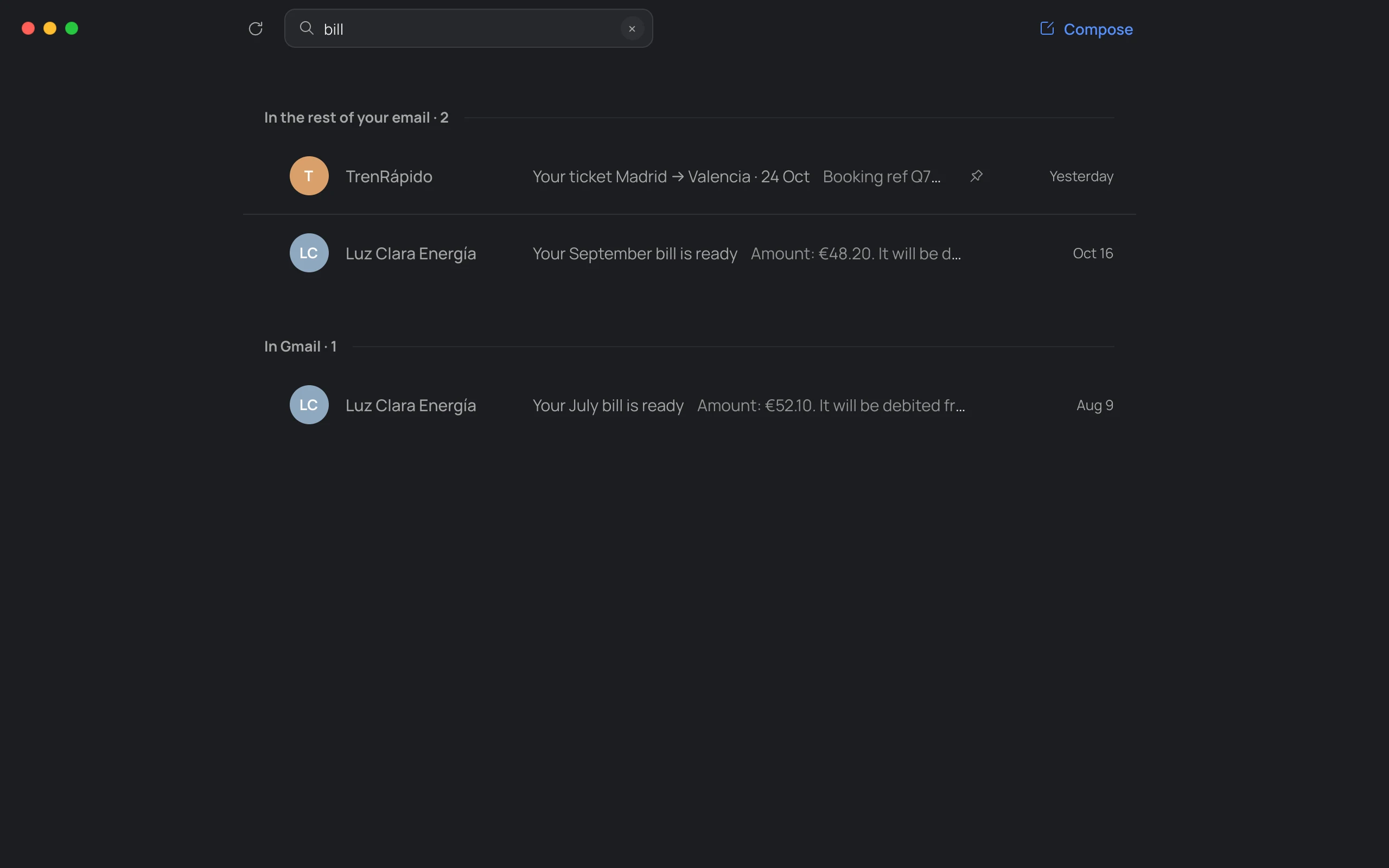
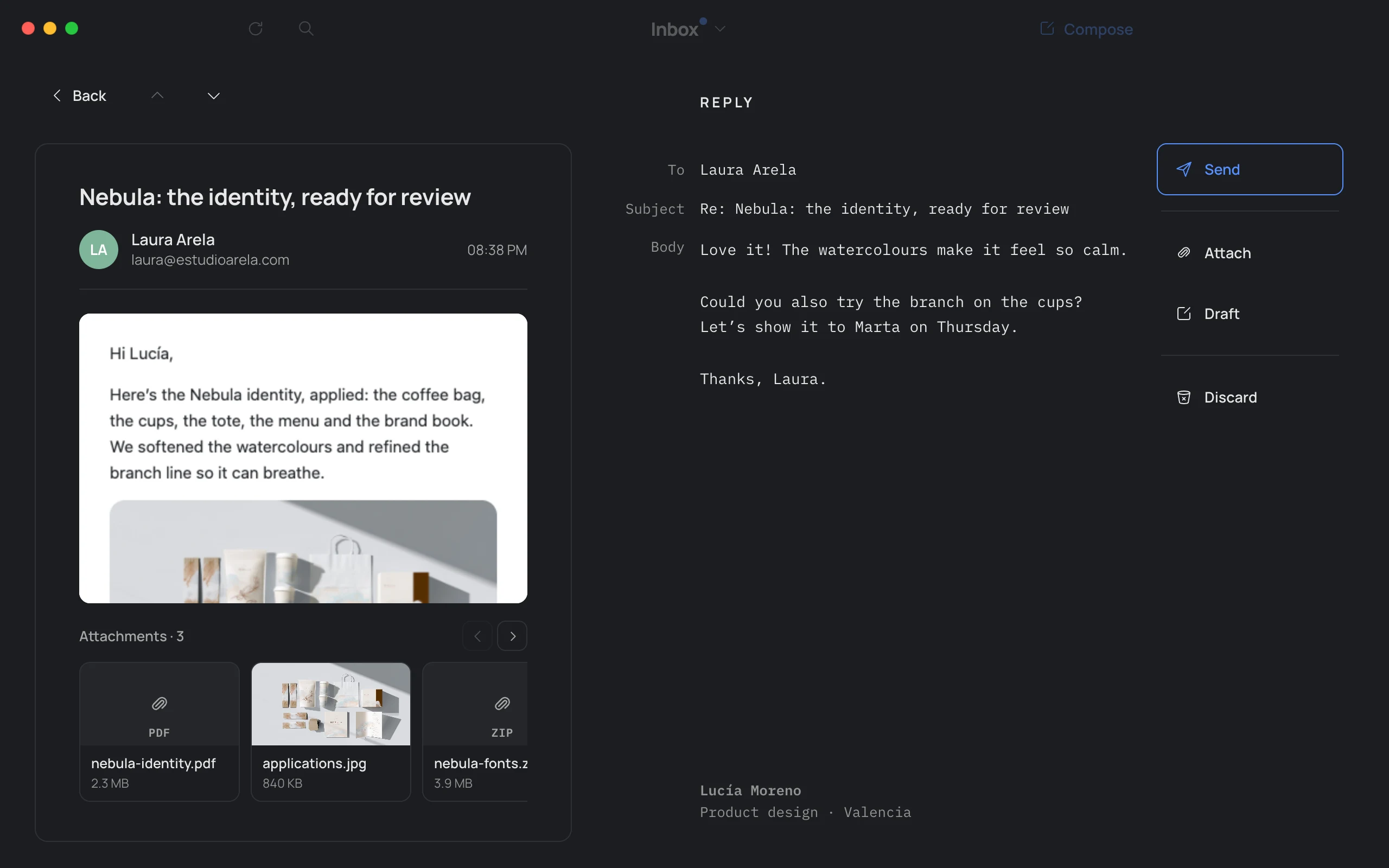
You decide who gets in and which box they go to. You choose which senders are private, whether images load, the app icon and its color, light or dark. Hato adapts to you, not the other way around.
Nine icons









Light, dark or your Mac’s
English and Spanish
Private mode
You decide who gets in
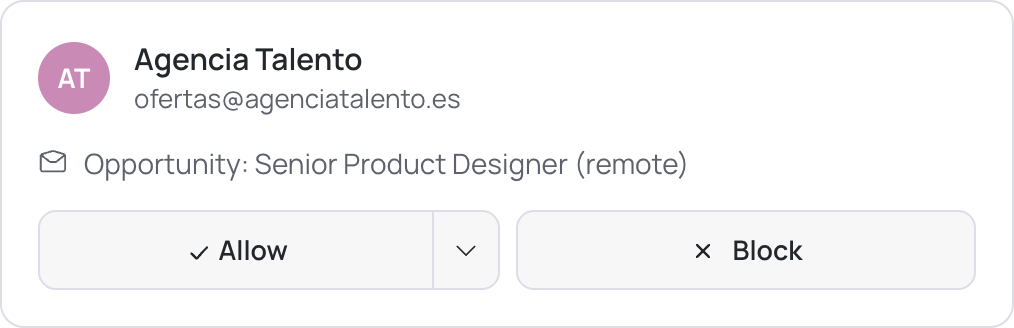
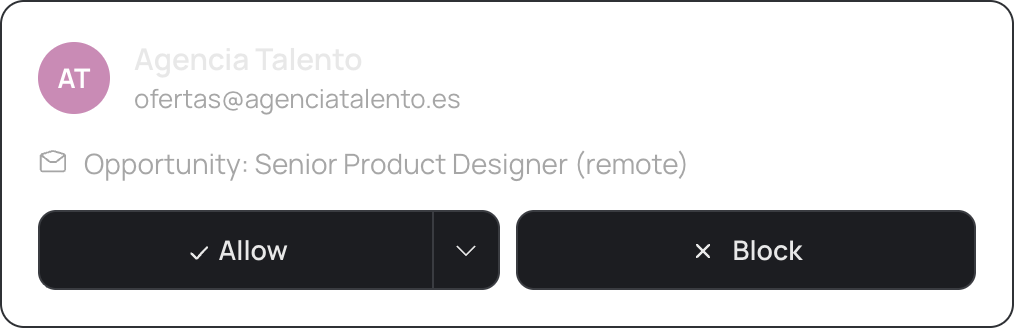
Every sender, in their box


Privacy
Between Google and your Mac.
Hato has no servers.
Your email never passes through us.
- 0 servers Straight from Google to your Mac.
- 0 ads Zero distractions.
- 0 passwords You sign in on Google’s page.
How Hato uses your Google data
Hato is a desktop email client for Gmail, made by Mat Veiga. This is everything it does with them.
-
Only what your email needs
It asks Google for permission to read, organize and send your email, and for its own hidden folder in your Google Drive, to keep a copy of your settings. It uses them only to show your email in the Guardian, Inbox, News and Bills, to apply the labels and actions you choose and to send your replies.
-
All on your Mac
Hato has no servers: we never see, store, sell or share your data.
-
Agents, only if you want
Without an agent, your email only travels between your Mac and Google. If you connect one, like Claude, it gets what it needs to help you, and that reaches the company behind it (Anthropic, for Claude).
Hato’s use and transfer to any other app of information received from Google APIs will adhere to the Google API Services User Data Policy, including the Limited Use requirements.
Everywhere · Coming soon
Soon on iPhone and iPad too.
Hato starts on the Mac. Very soon it will come to iPhone and iPad, with your decisions and settings saved in your own Google Drive: no servers of ours, and no starting from scratch on each device.
- MacNow
- iPadSoon
- iPhoneSoon
One payment
No subscriptions. No tricks.
Pay once and Hato is yours. No monthly fees, no features that disappear if you stop paying, no offers that expire in ten minutes. And during the beta, it’s free.
-
One payment
And it’s yours for good.
-
Free updates
Every new version, included.
-
No dark patterns
No ads, no traps, no small print.
We’ll let you know when it’s out.
Leave your email and we’ll write once, on launch day, with a discount. If you tried the beta, the discount is bigger.
Only for that. Unsubscribe with one click.
We want your email to be yours. We don’t want to keep your data or sell you anything: just a tool that makes your life simpler.
Take back your email.
Download the public betaPublic beta 0.6.11 · Free · Apple Silicon · 135 MB · English and Spanish
The first time, if macOS warns you, open System Settings → Privacy & Security and click “Open Anyway”.