Features
What you need, done really well.
Everything Hato does. The important things, calmly; the small ones, at a glance.
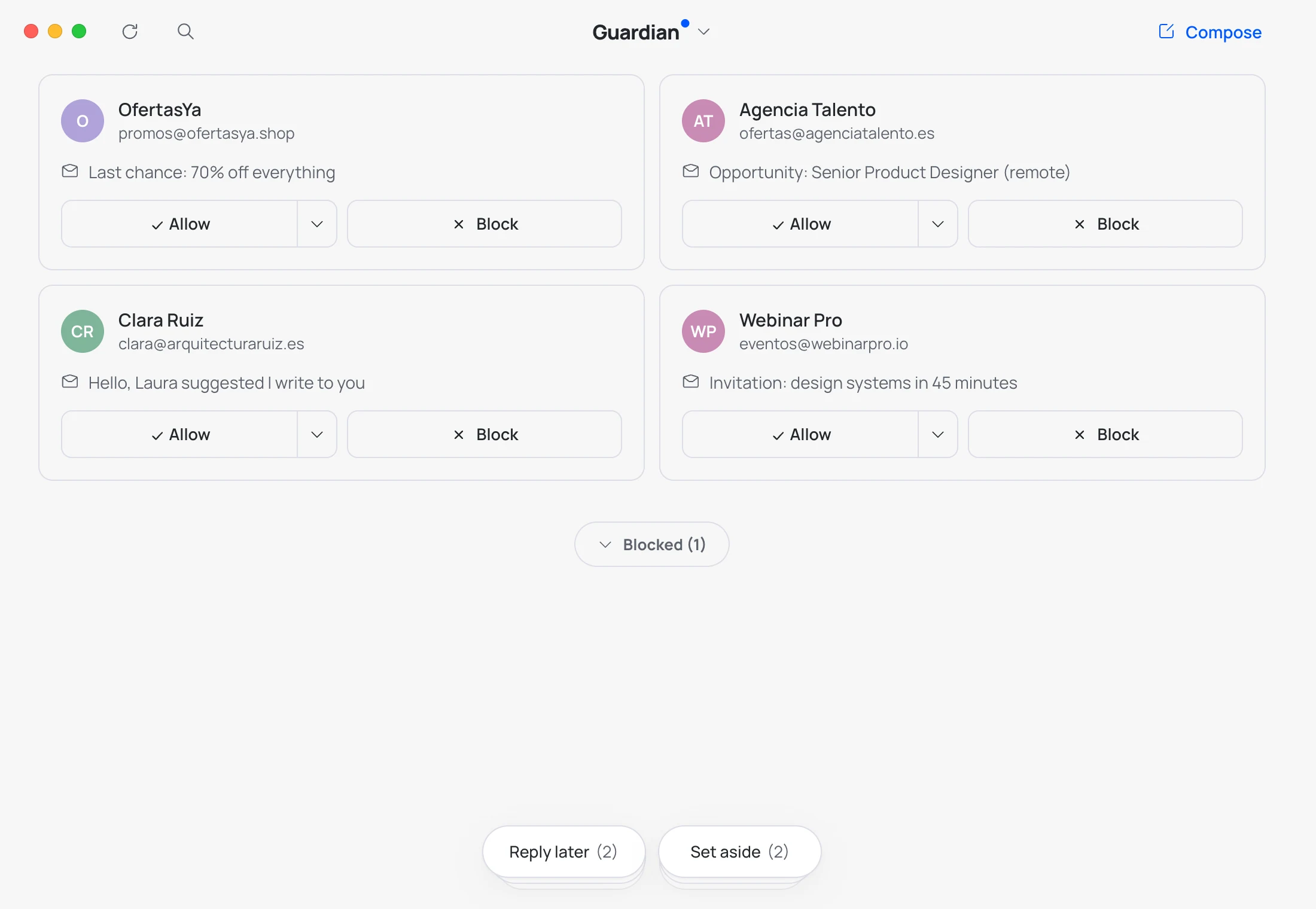
Guardian
Nobody gets in without permission.
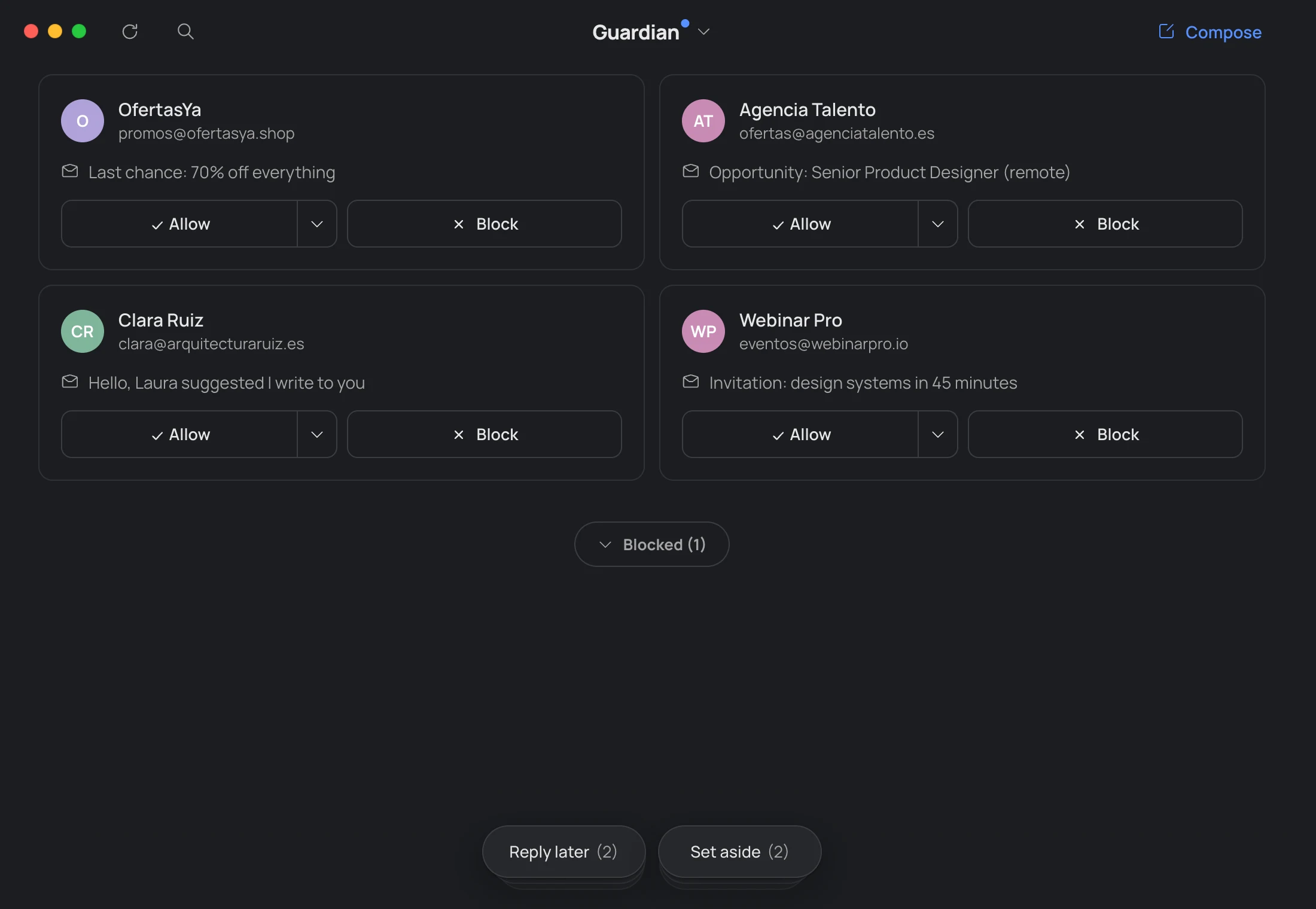
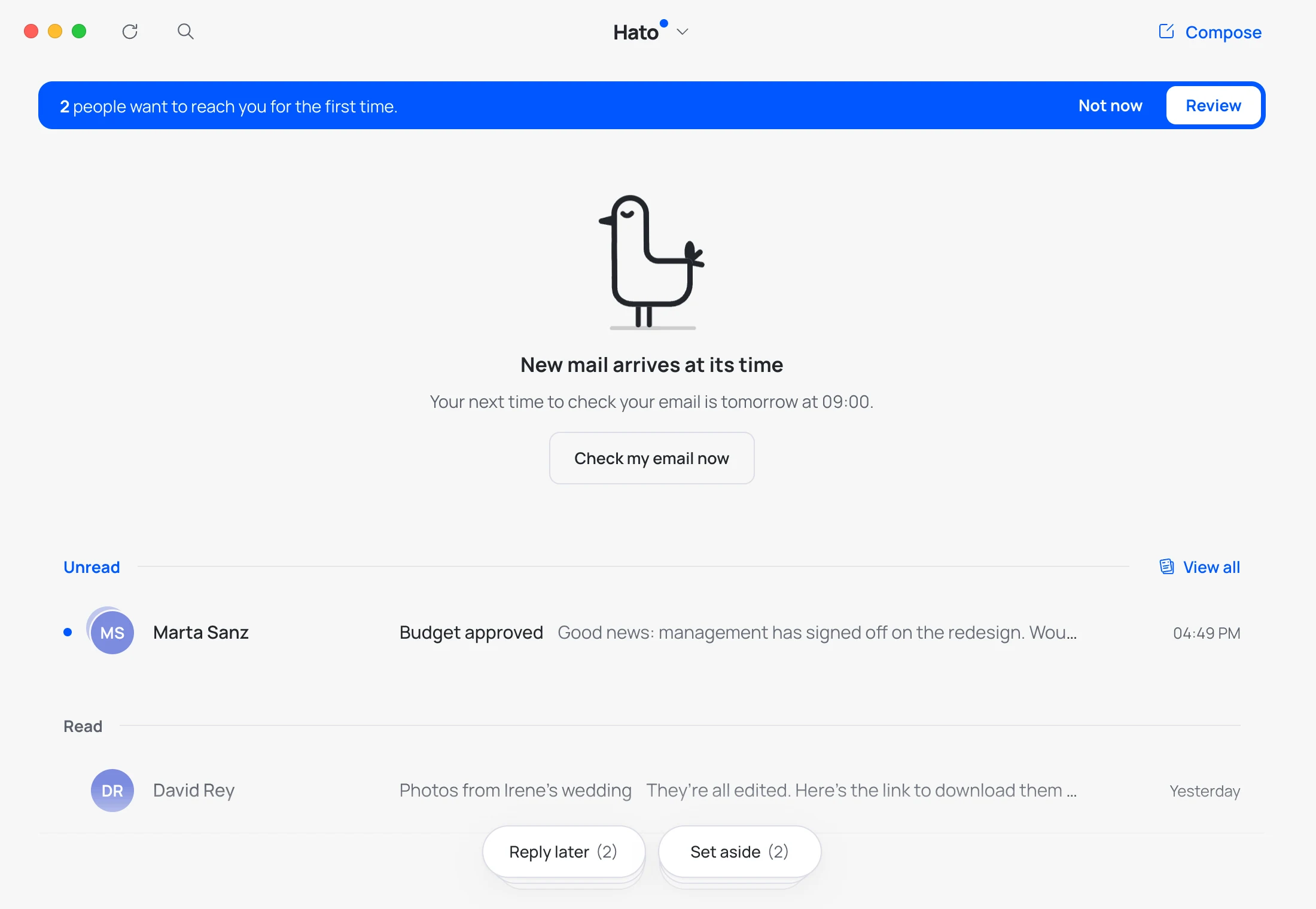
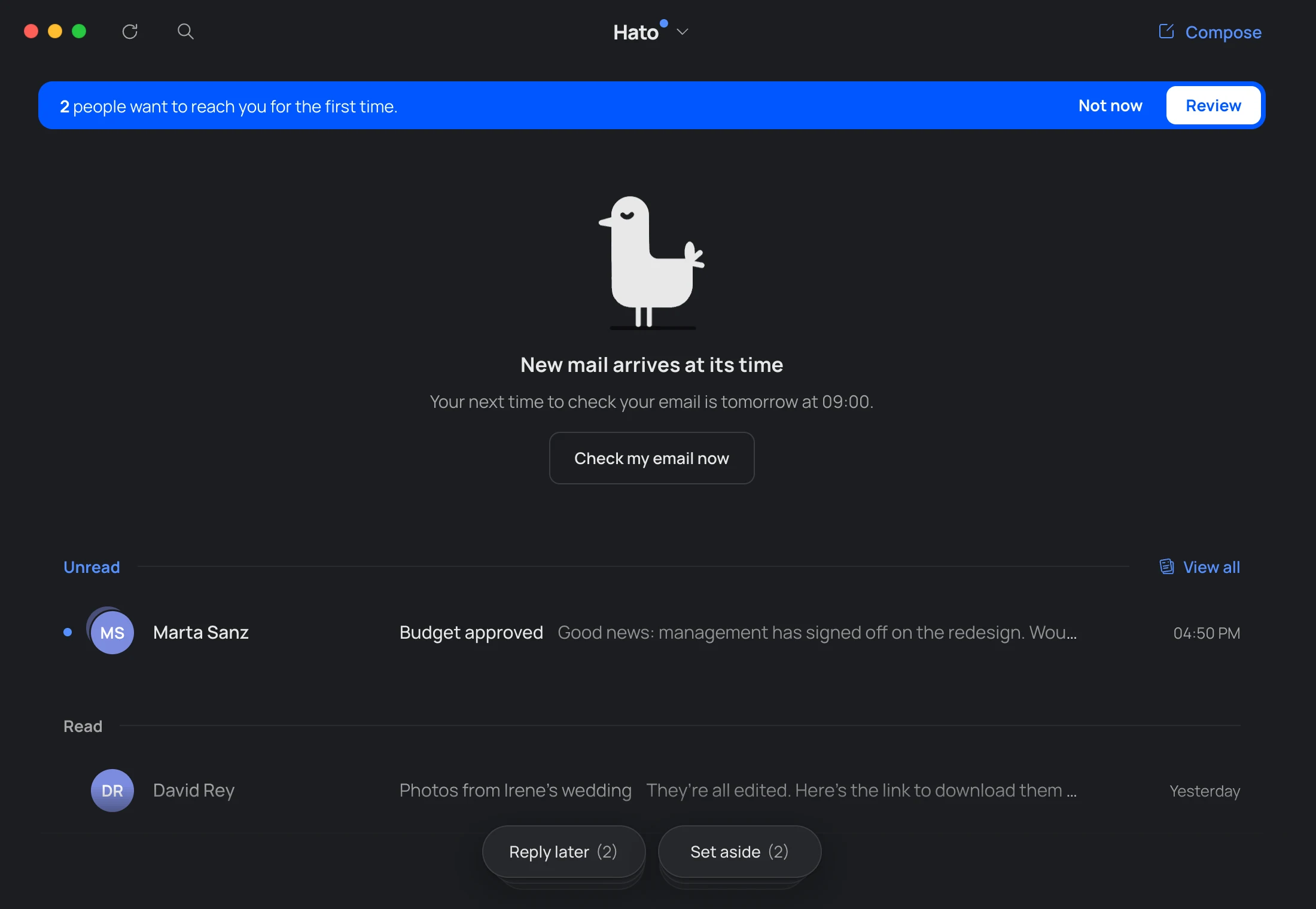
Whoever writes to you for the first time doesn’t reach your Inbox: they wait in the Guardian. A blue strip tells you how many there are. You decide, one by one: Allow (to Inbox, News or Bills) or Block. Once decided, it never asks again.
“Not now” hides the strip until someone new arrives. You can let blocked senders in whenever you want.
Inbox
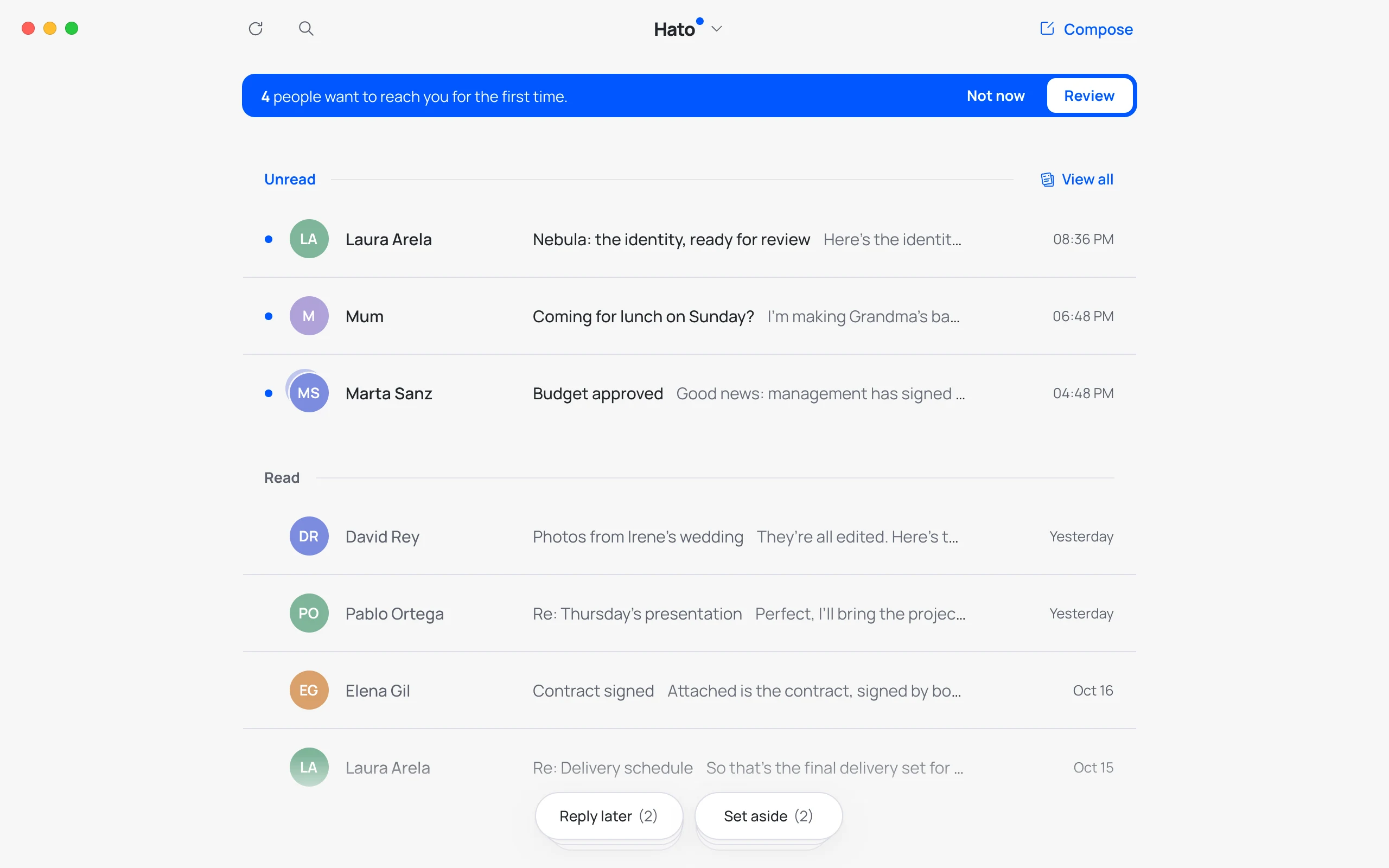
New on top, seen below.
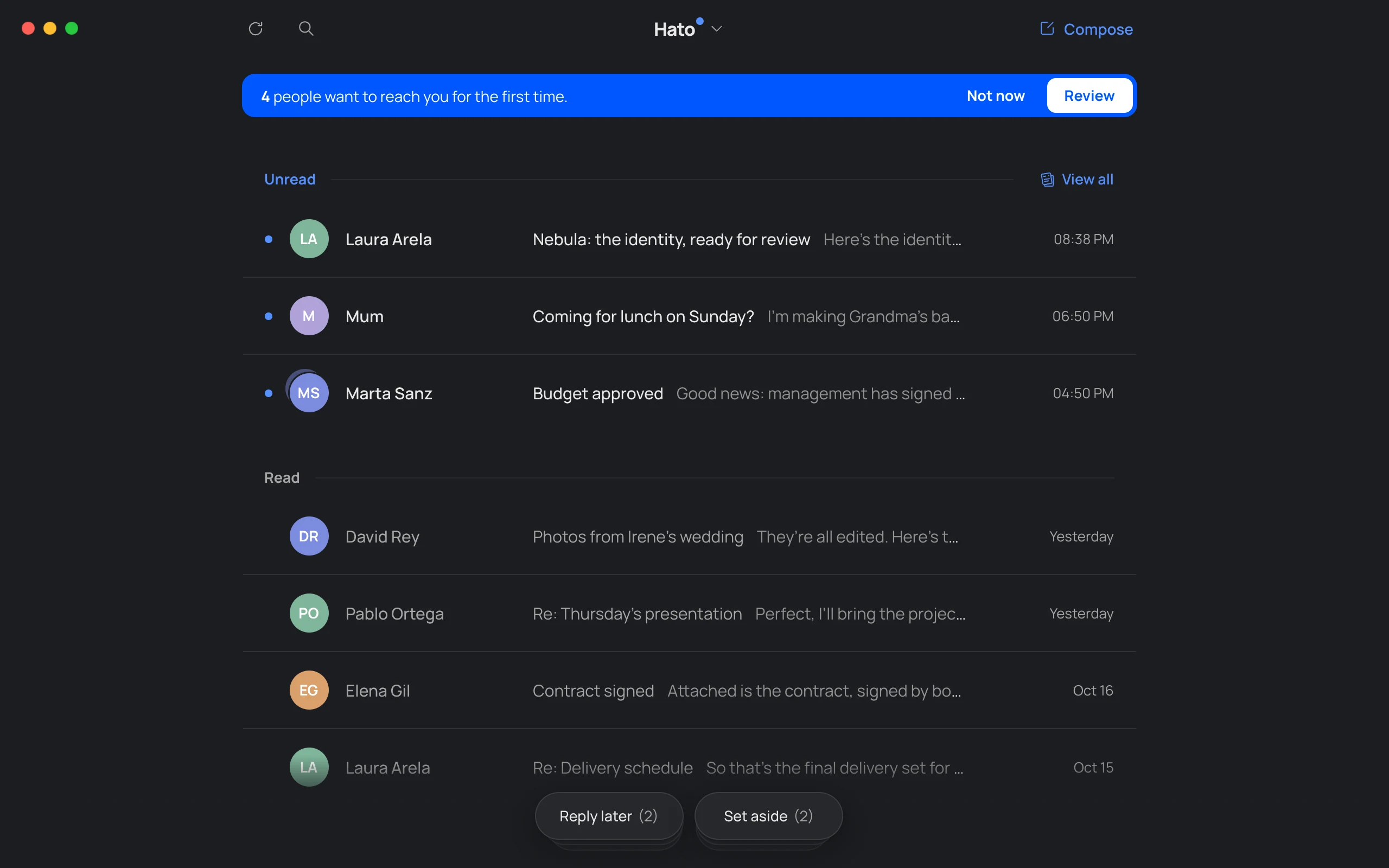
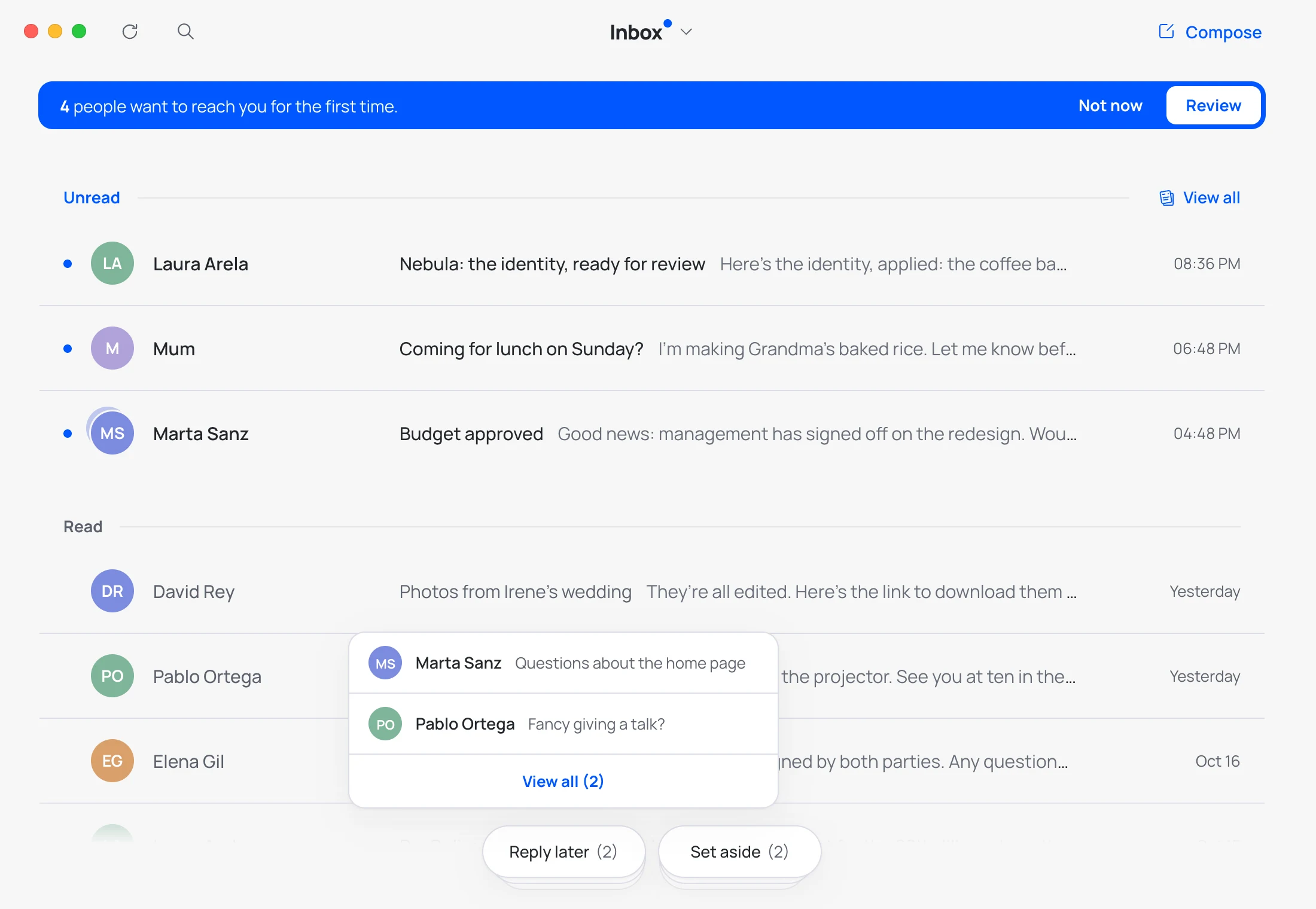
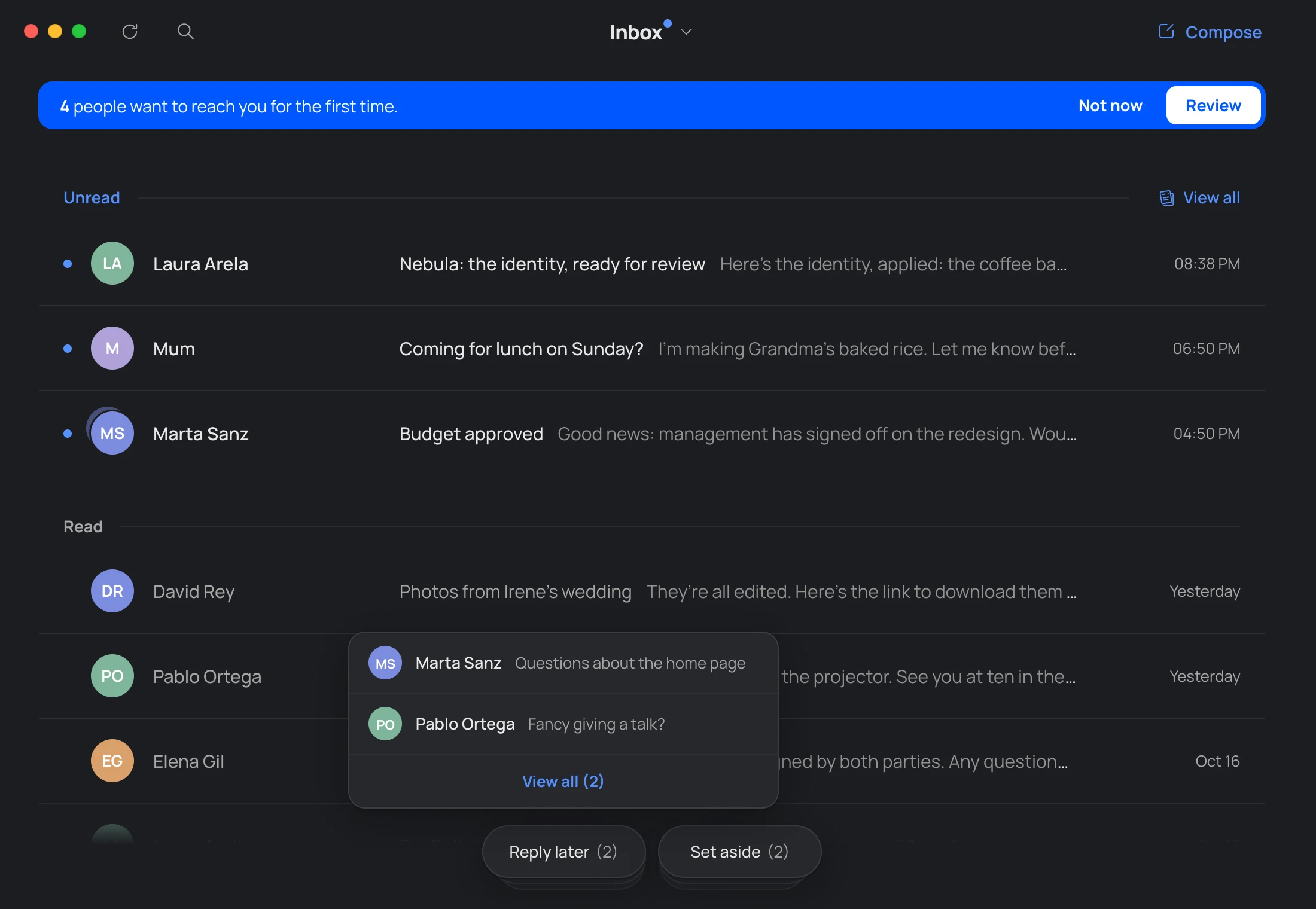
Your Inbox separates what you haven’t read from what you’ve already seen. When there’s nothing new, Hato pecks away at the top: all caught up.
News
Read without the rush.
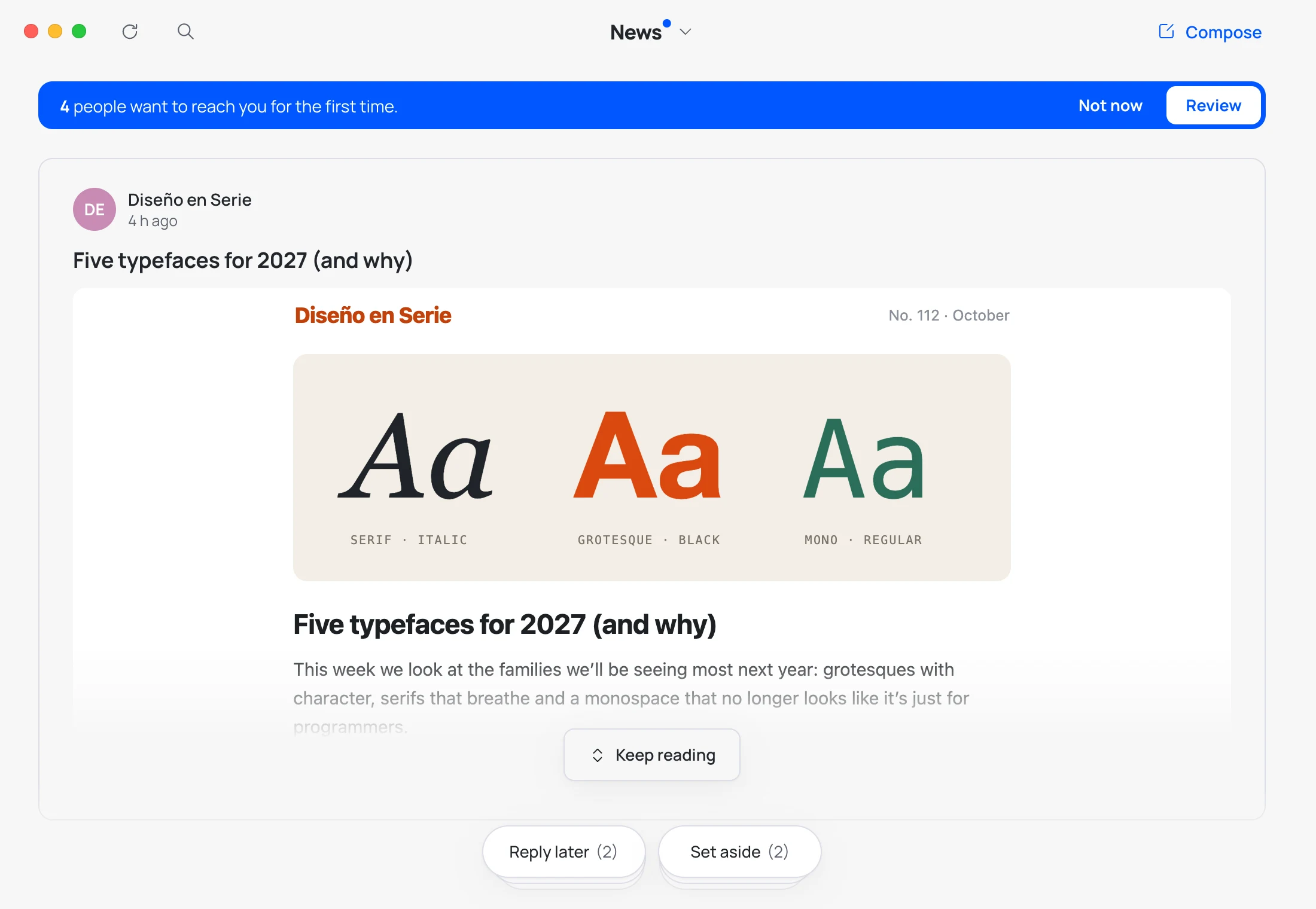
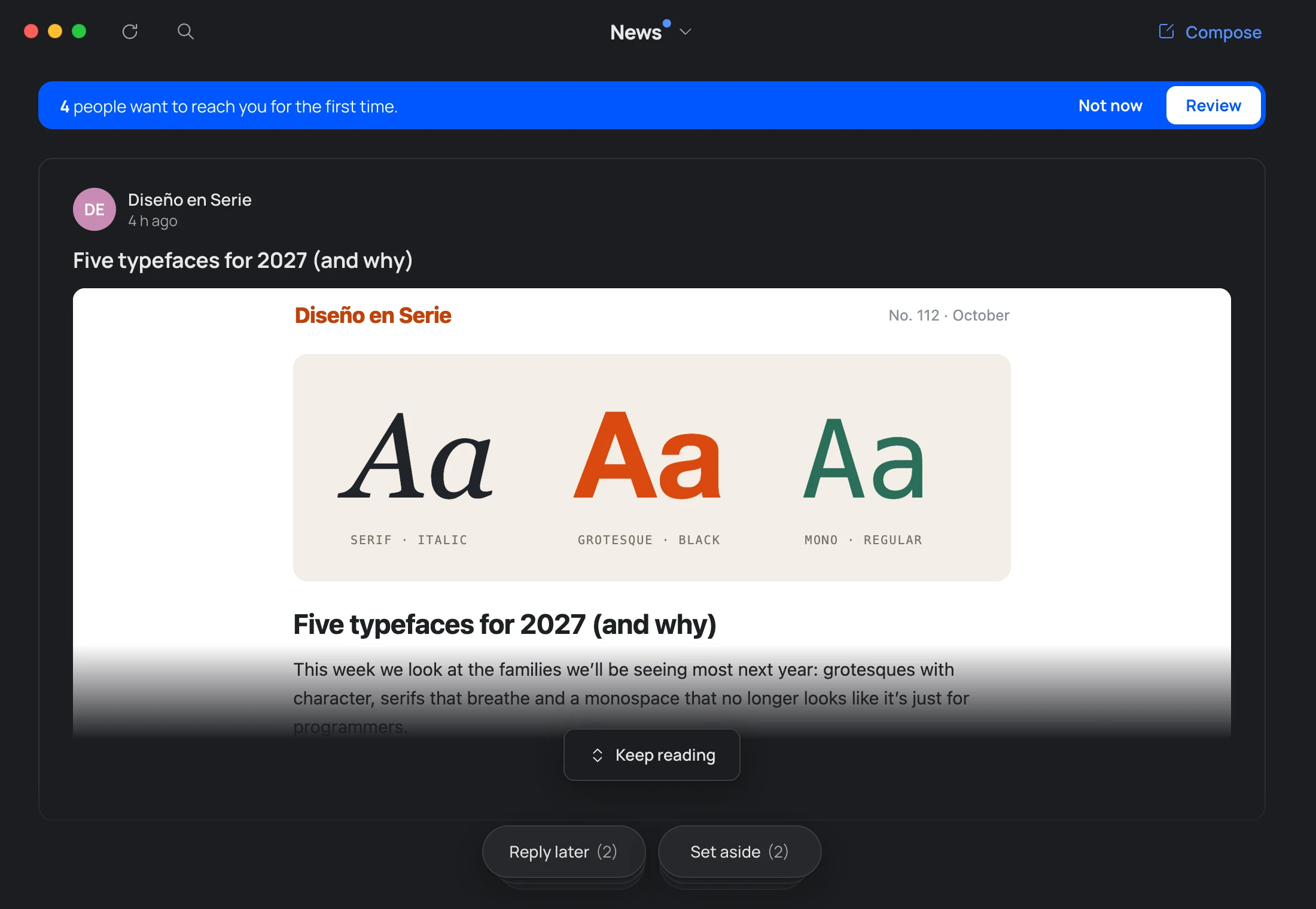
All your newsletters in one scroll.
No unread counts.
Out of the inbox, not out of mind.
Close at hand, never in the way.
They’re Gmail labels, so you see them on your phone too.
Conversations
Never lose the thread.
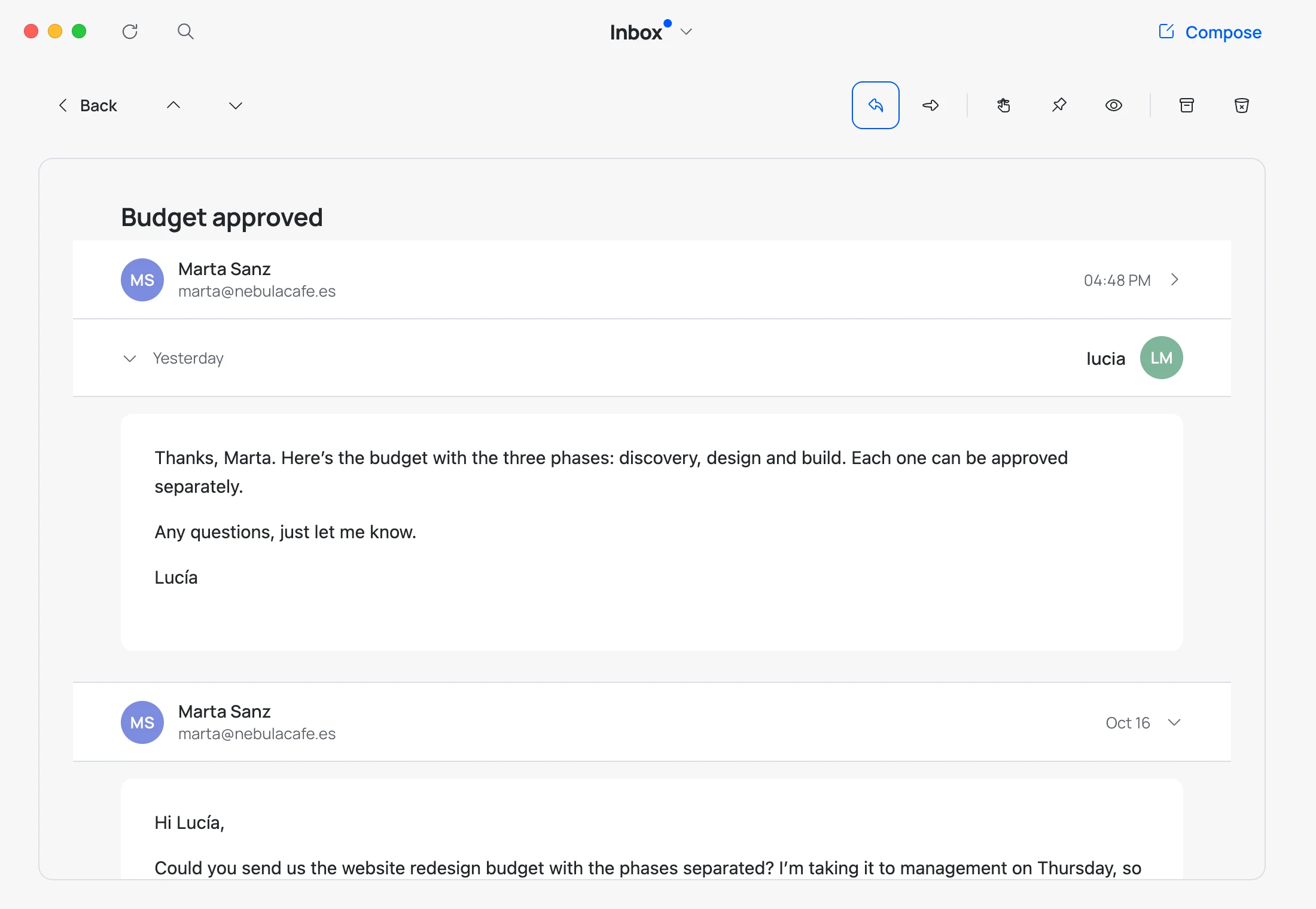
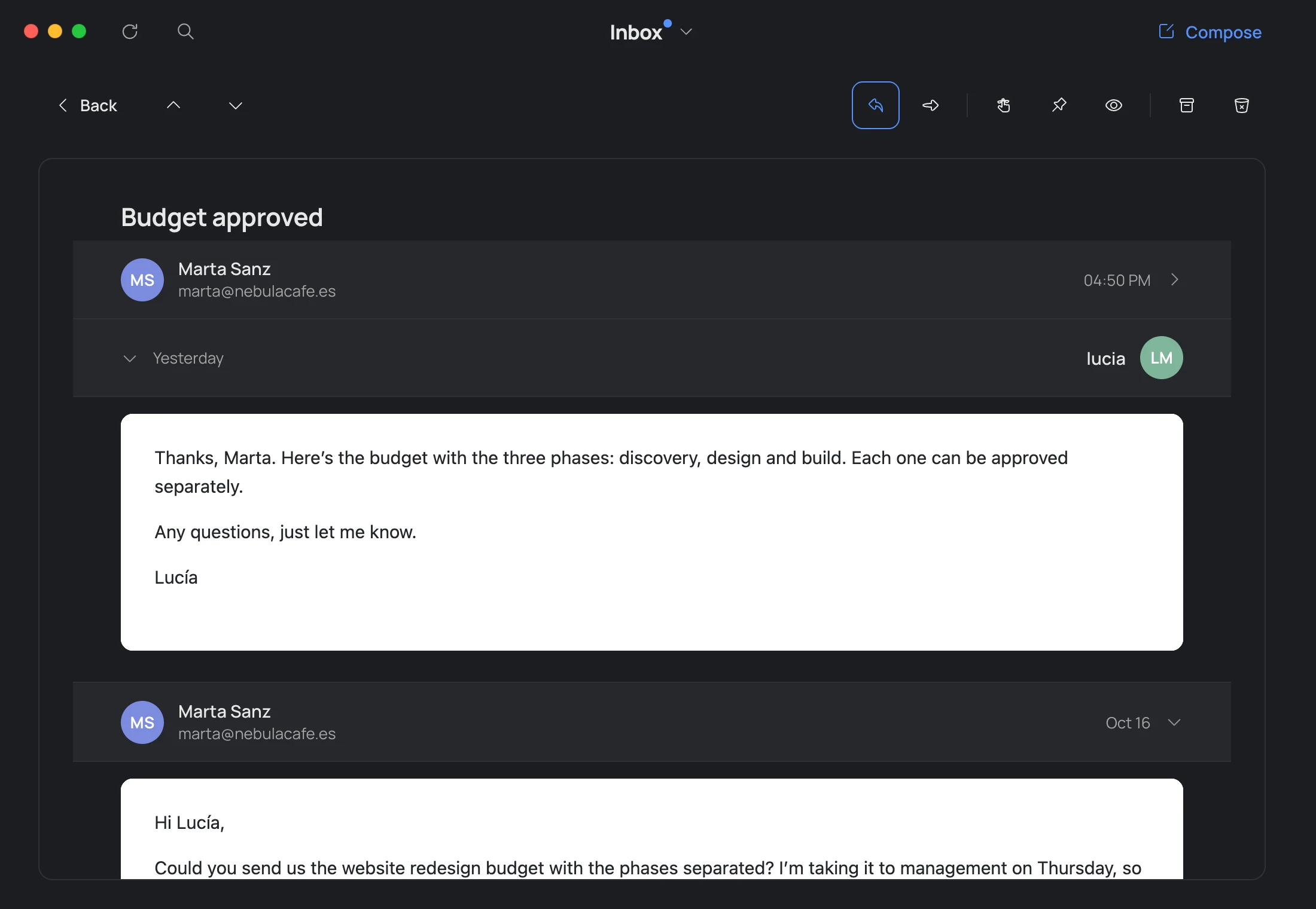
Every conversation reads like a chat, newest on top: yours on the right.
Fold what you’ve already read with a click.
Reply
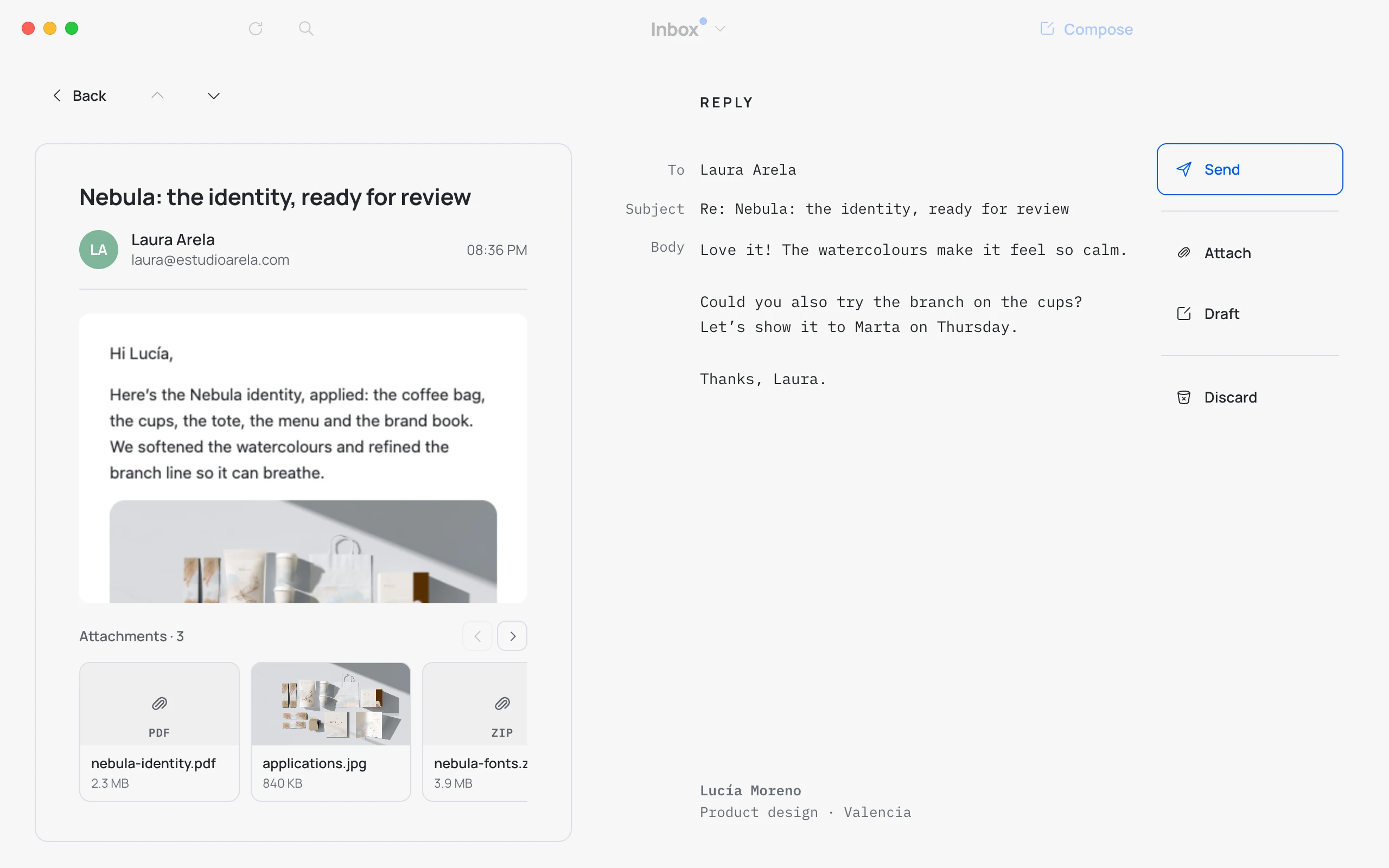
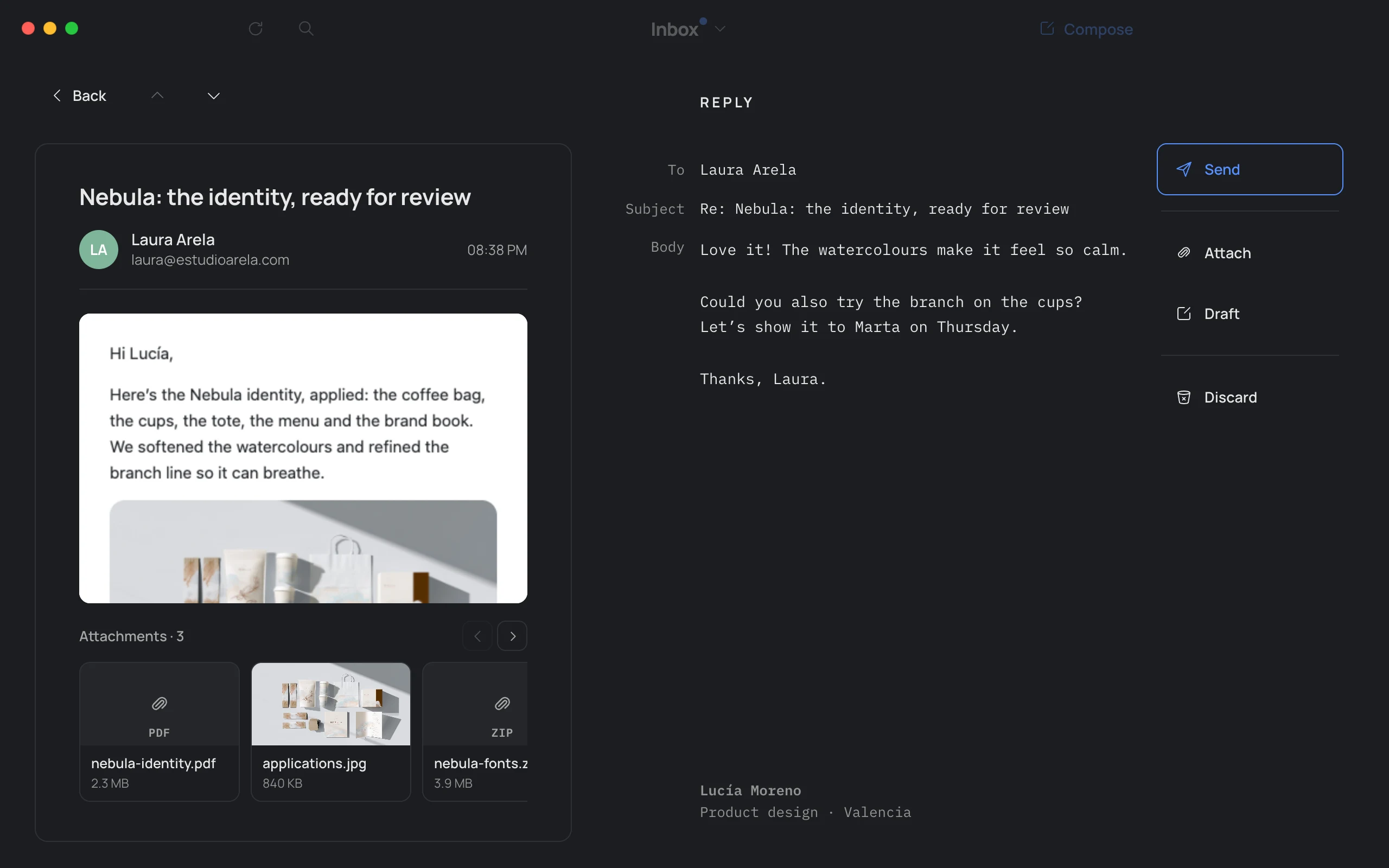
Reply without leaving the email.
The email on one side. Your reply on the other.
With your Gmail signature already in place. Attachments under every email, opened with Quick Look. And V forwards it, attachments included.
Select
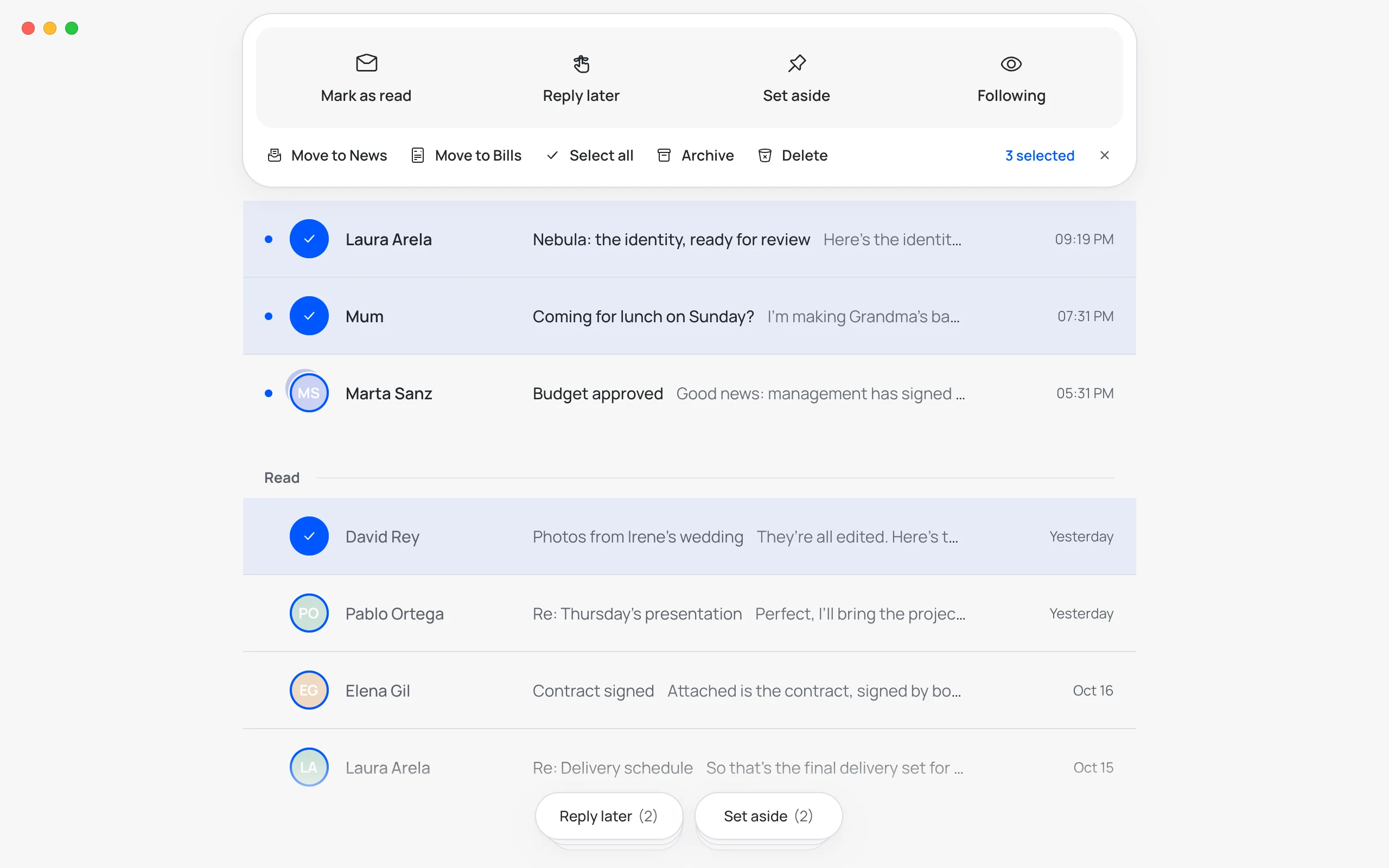
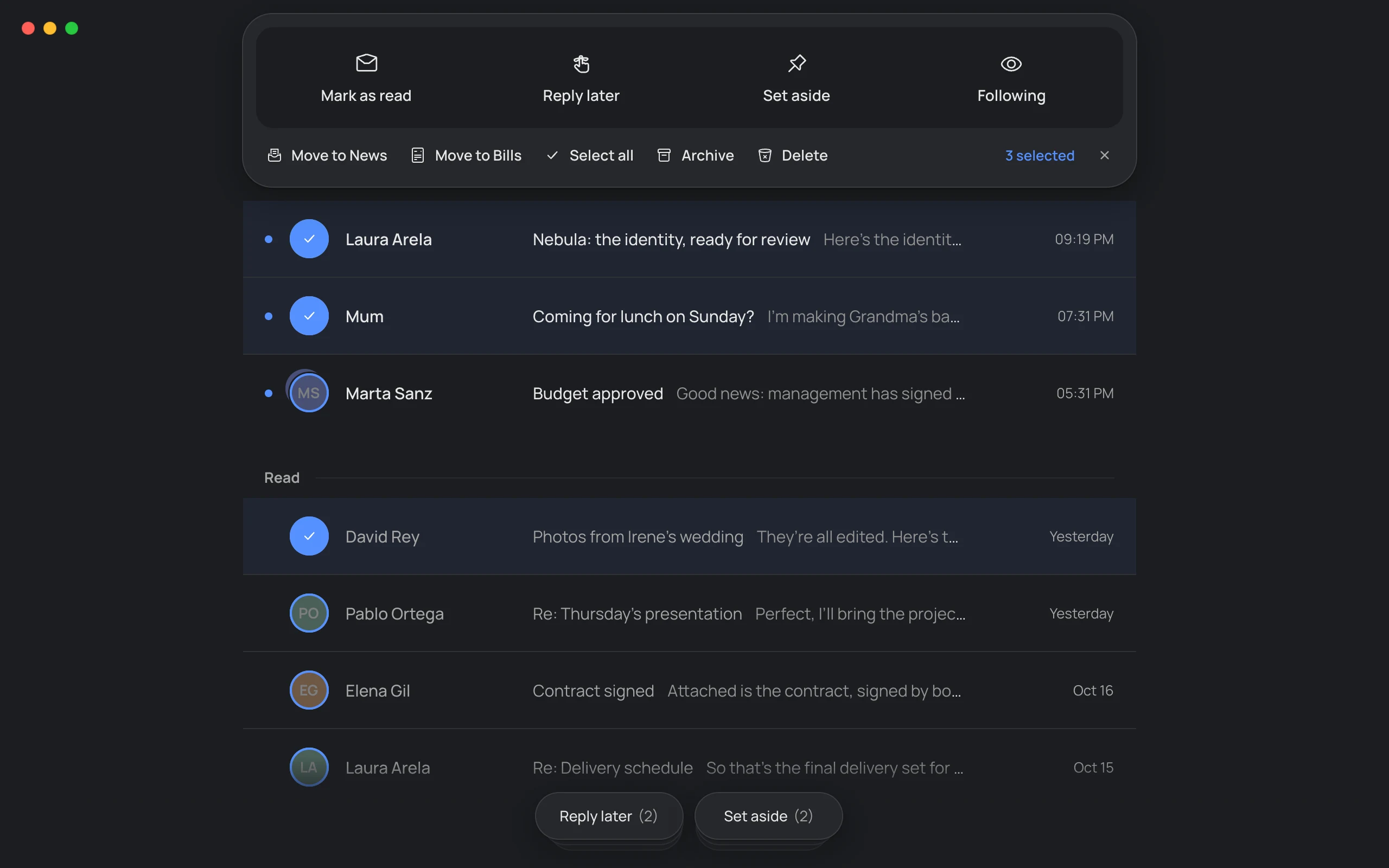
Several at once.
Click an avatar and pick as many as you like: mark them as read, send them to a pile, move, archive or delete them in one go.
Every notice comes with Undo. ⇧ click picks a range; ⌘ A, all of them.
Notifications
Email at your hours.
Only the people you choose and the threads you follow can notify you. For everything else, pick up to four times a day: Hato keeps what’s new until then.
And a weekly disconnect: from Friday evening to Monday morning, not a single notification.
No tracking
Nobody knows whether you’ve read it.
Many emails carry an invisible pixel that tells the sender when you open them, how many times and from where. Hato removes those pixels before showing you the email.
-
Pixels out
Tracking images are removed before the email is drawn, with nothing for you to do.
-
Images, your choice
See them all, block them all, or allow only the senders you trust.
-
Your network, off limits
An email can never make Hato reach your local network or your own Mac.
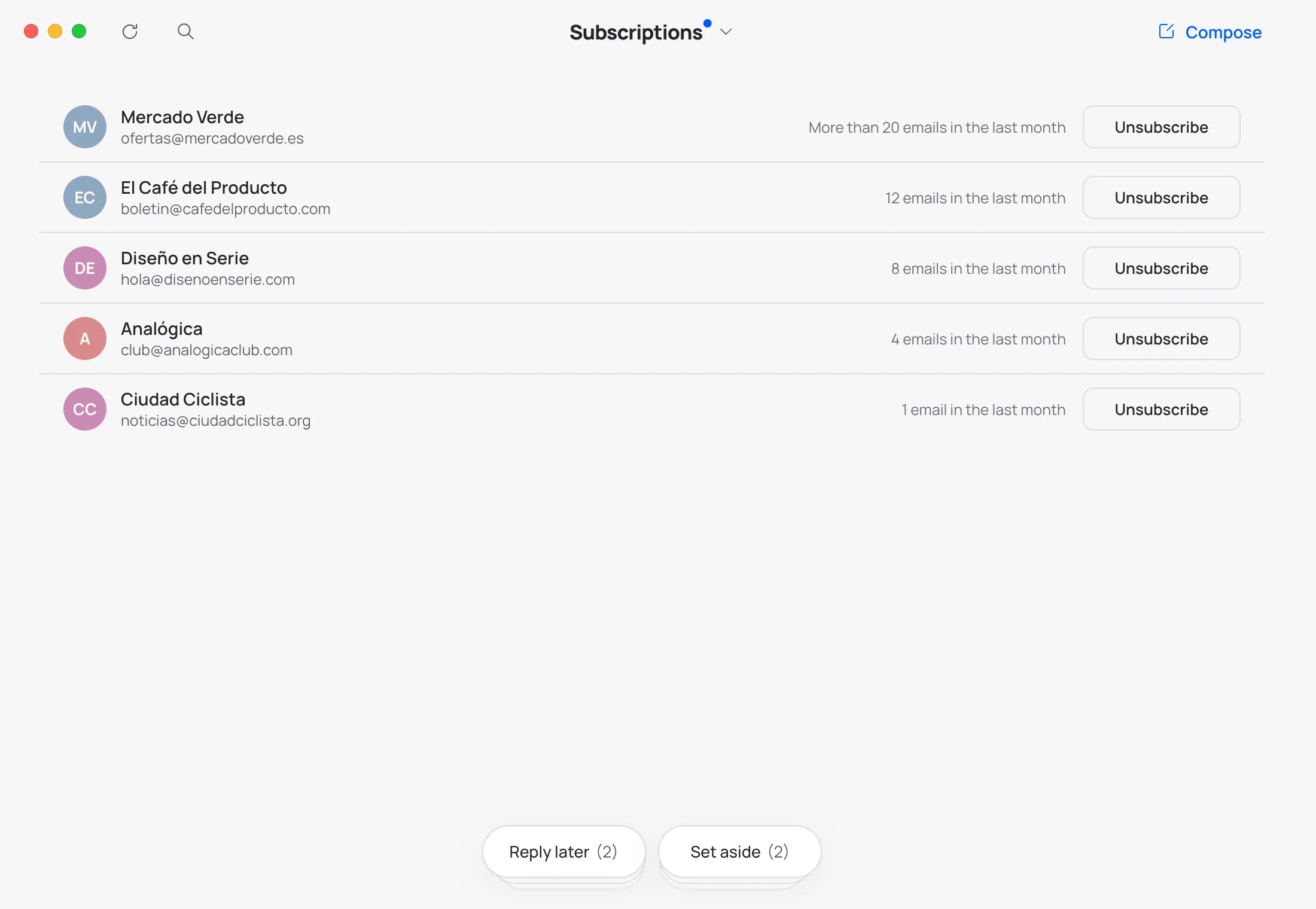
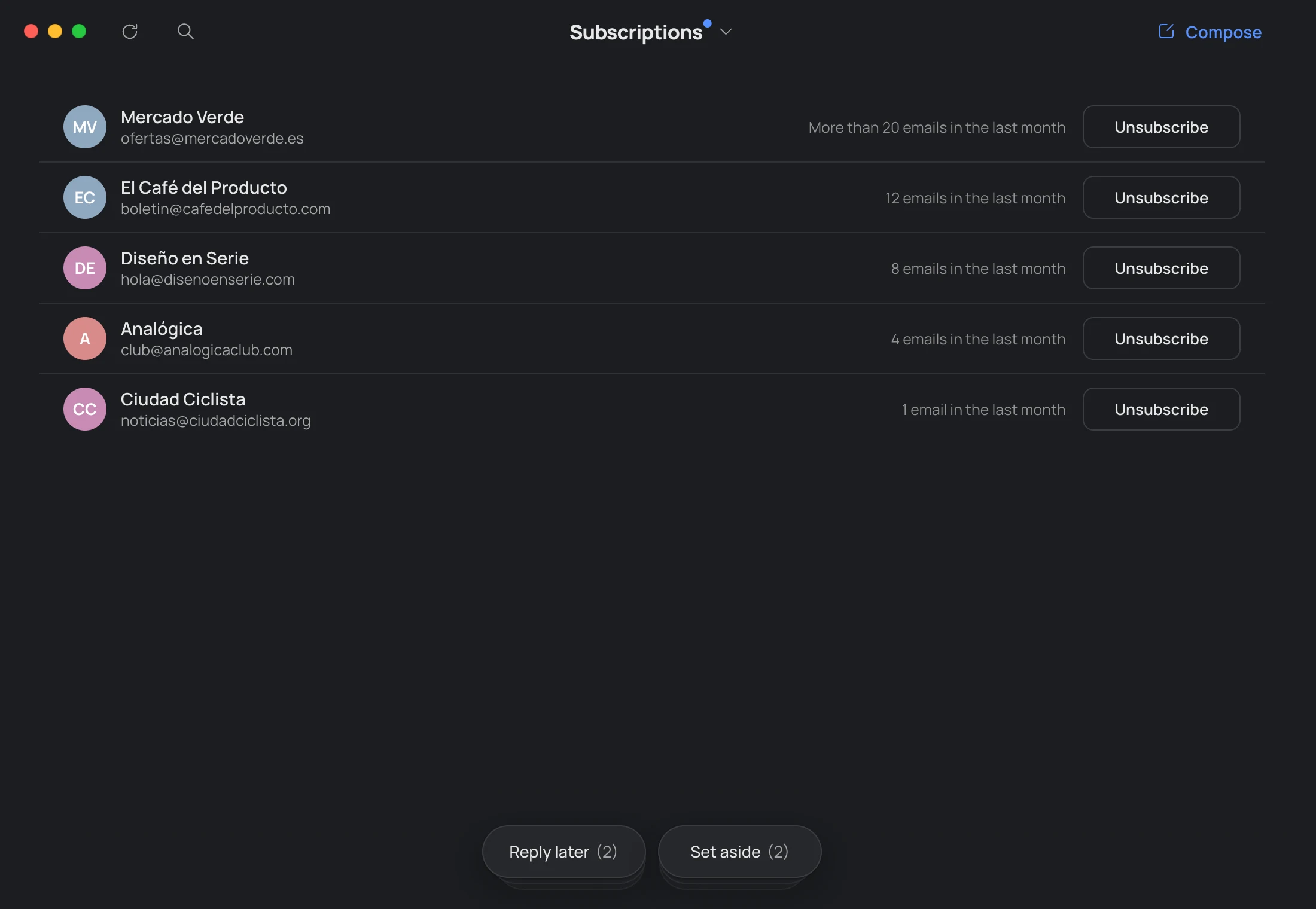
Subscriptions
One click and you’re out.
Every mailing list that writes to you, with how much it sent last month.
Unsubscribe without hunting for the tiny link.
Private mode
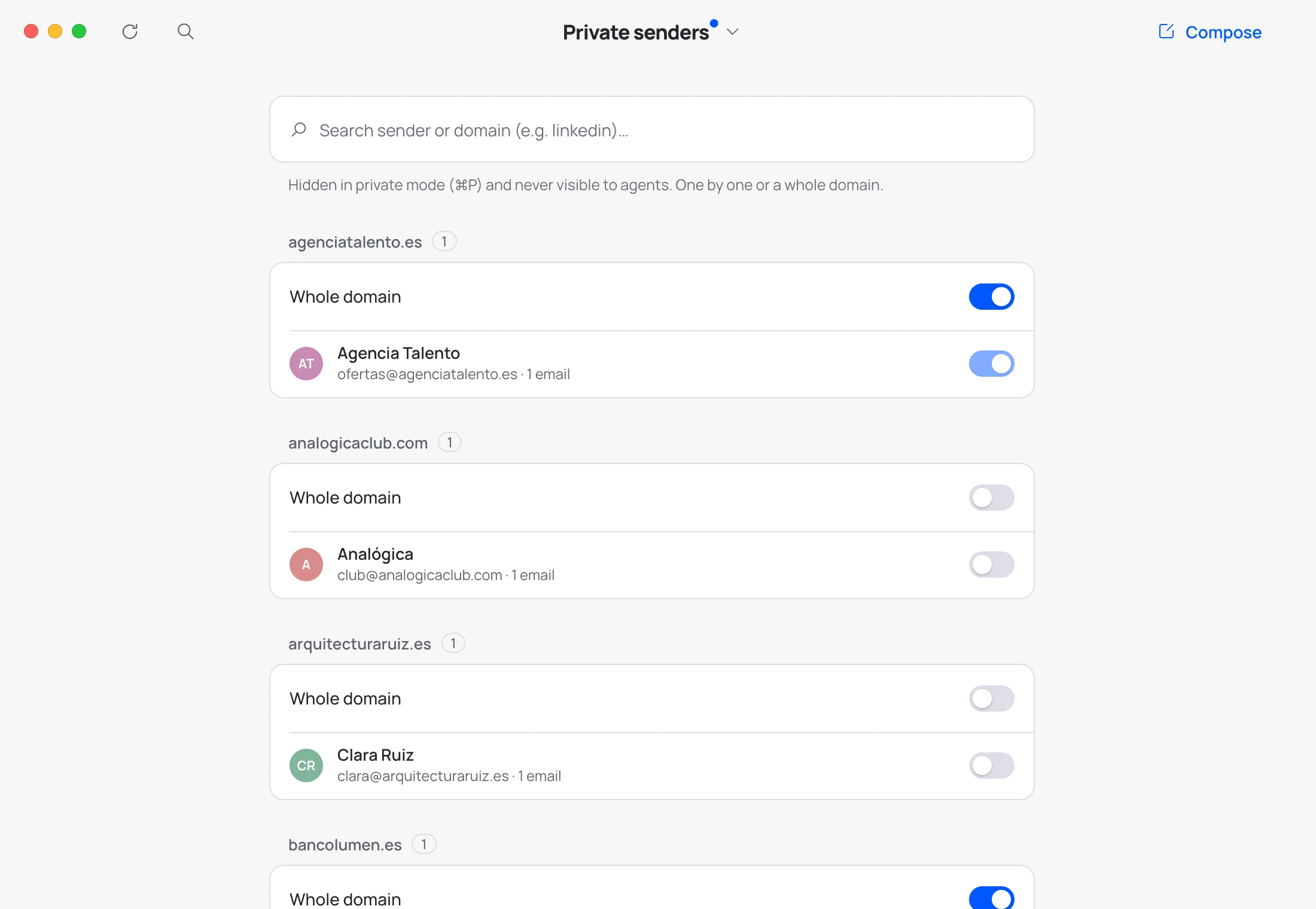
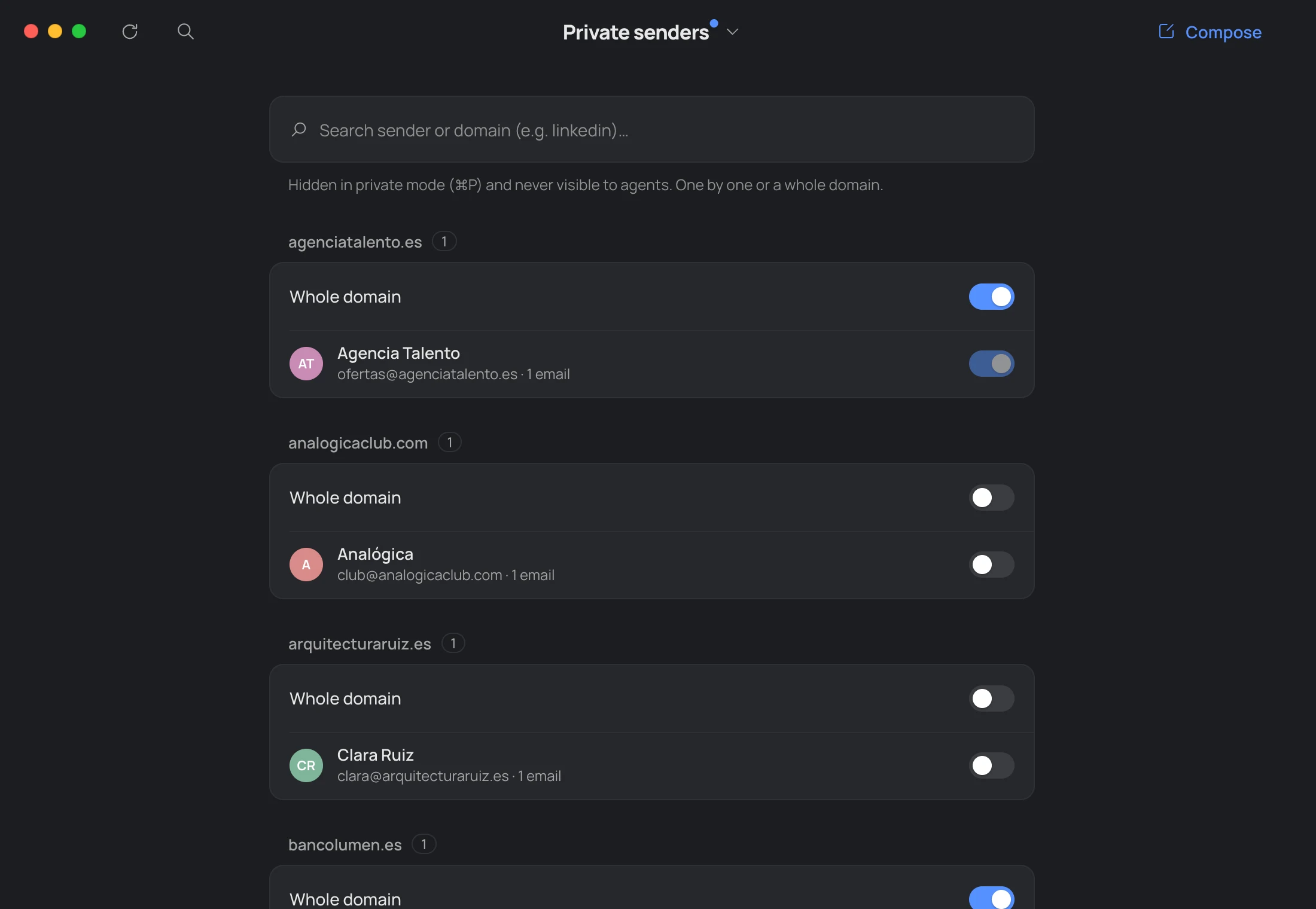
Show your screen, not your life.
Press ⌘ P and what's private vanishes.
Mark senders, or whole domains, as private in Private senders (H). Agents never see them.
AI and agents
Ask. The AI writes. You send.
A summary of your day or a reply to the email you have open,
typed or dictated. What’s private, it doesn’t see unless you let it.
-
Your Claude plan
It uses Claude Code with your Claude subscription. No API keys, no pay-per-use, no surprises.
-
Ask for anything
Translate, summarize, reply in your own voice or find that email from March. In your own words.
-
Always your call
It never sends or deletes: it leaves you drafts, and you decide what it can organize.
From version 1.0, it’s part of Hato Pro: with Claude, and we’re working to add ChatGPT, Gemini and Grok.
Or straight from Claude.
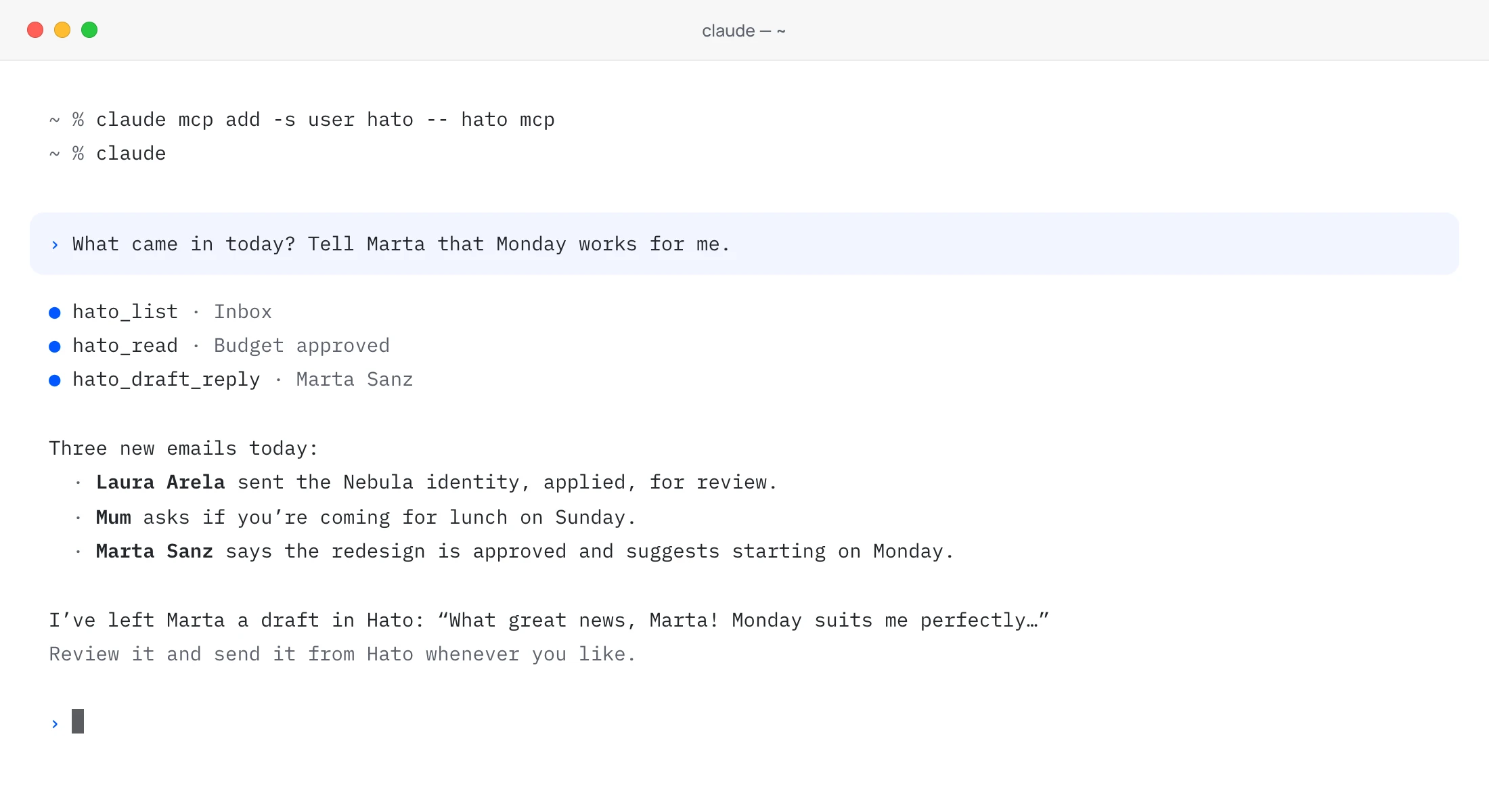
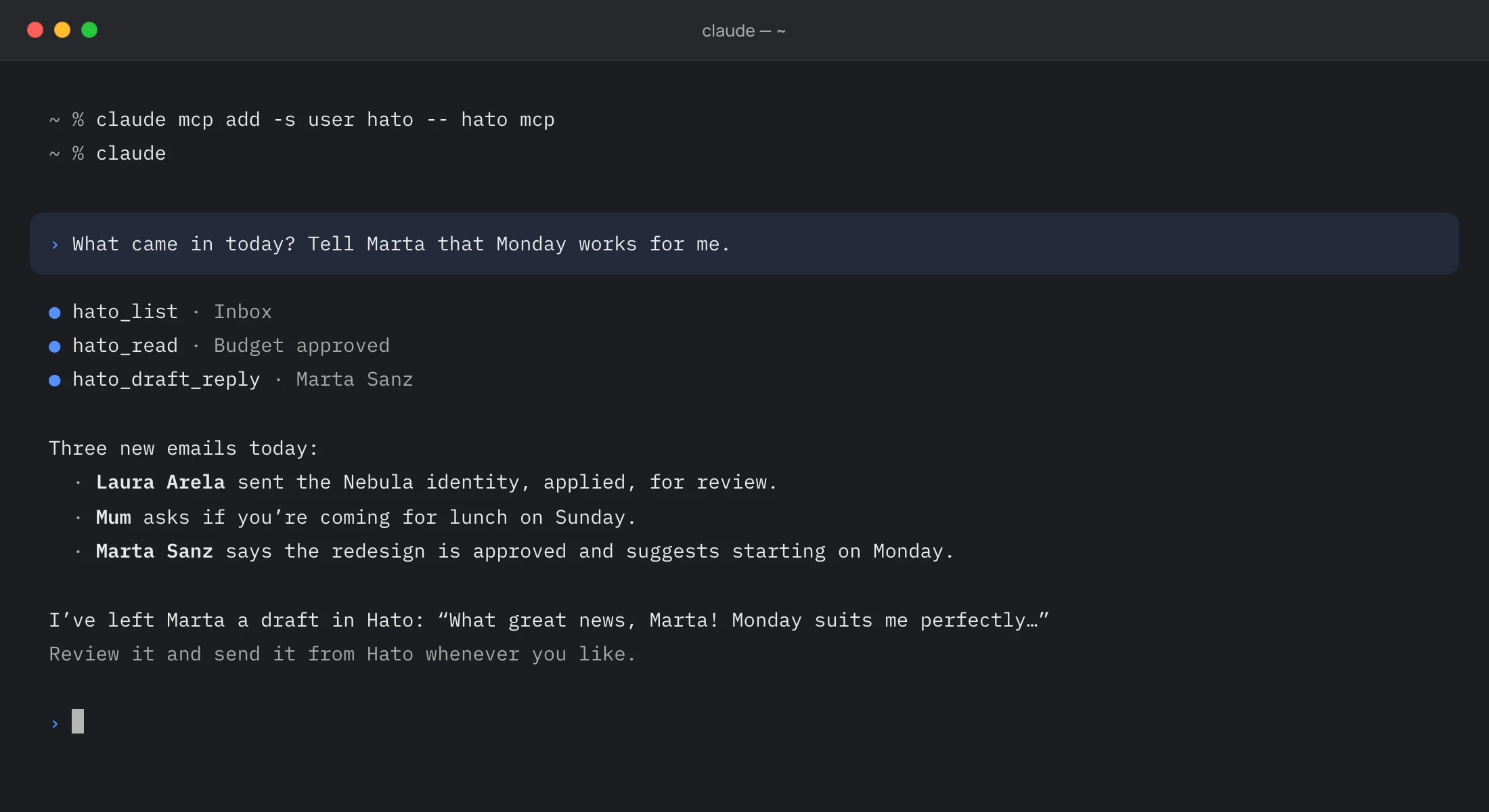
Connect Hato to the Claude app with one click, or to Claude Code with the hato command, and check your email or answer it from any chat.
In Settings → Agents. For Claude Code: claude mcp add -s user hato -- hato mcp
Dark mode
Dark, down to the last email.
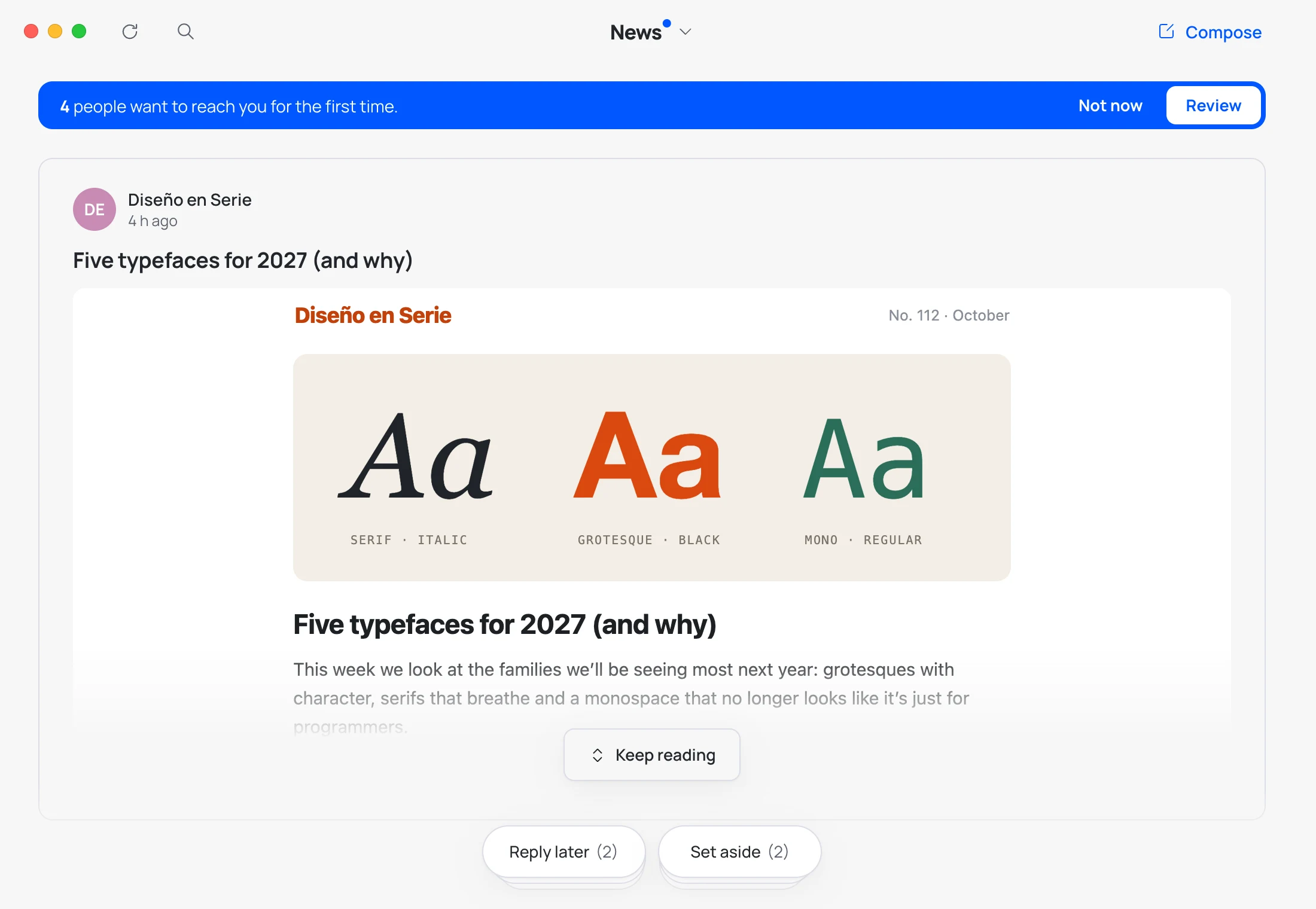
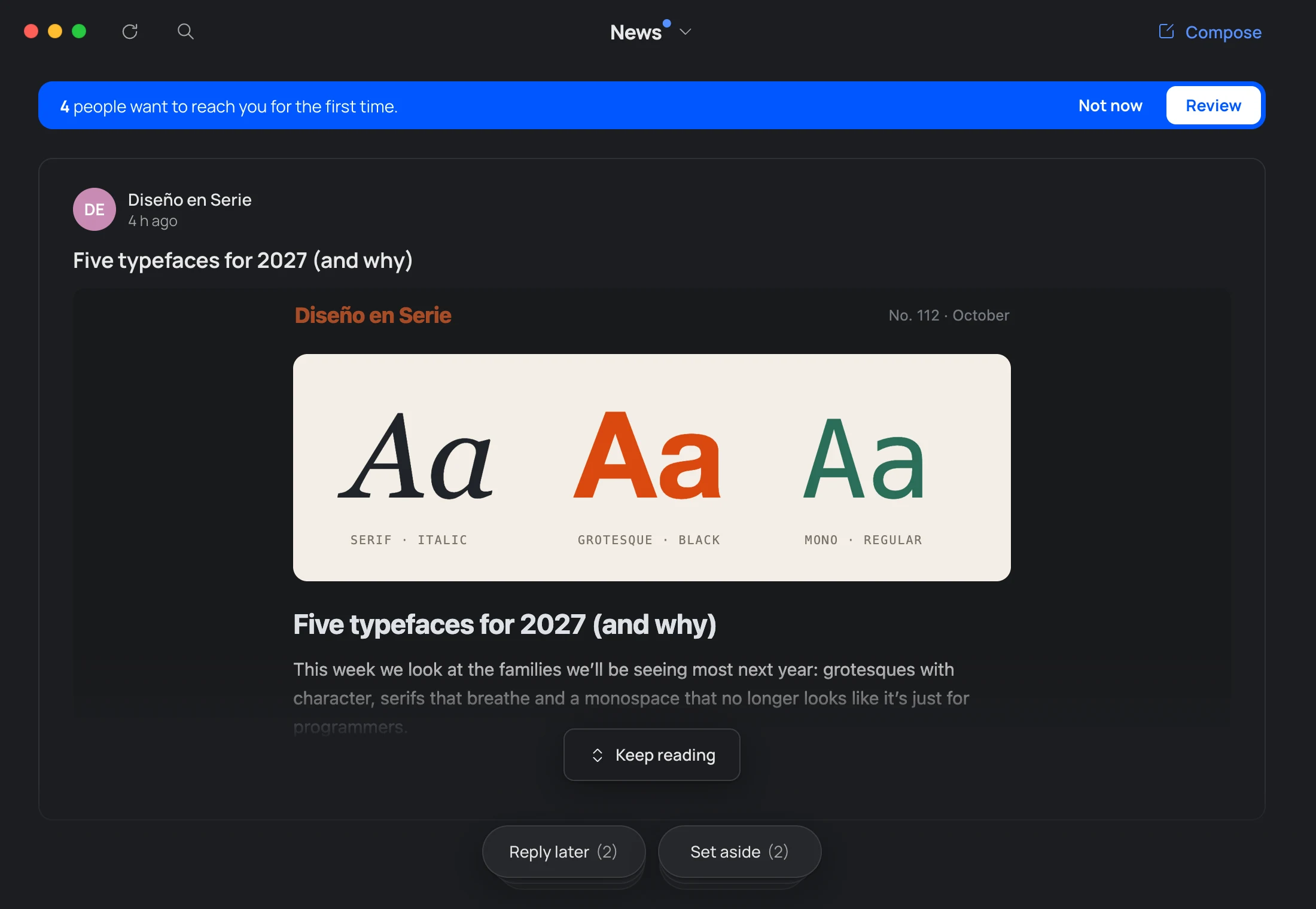
Turn on dark emails and every email follows Hato’s dark theme: the same background, the same lines.
And with pure black, everything goes to black, cards included. Both in Settings → Appearance, off by default.
Keyboard
Never leave the keyboard.
One key for almost everything.
Hold ⌘ and every option shows its own.
- 1–0Screens
- /Search
- NCompose
- RReply
- VForward
- EArchive
- LReply later
- ⌘PPrivate mode
- IAgent
And more
What explains itself.
-
Sort, one by one
“View all” shows each unread email in turn, with everything you can do with it. Each decision moves on to the next.
-
Bills
Invoices, receipts and order confirmations, in their own box. At hand when you need them, out of sight when you don’t.
-
Drafts in Gmail
What you start writing is saved in Gmail: carry on in Hato or on your phone.
-
Search as you type
The box you’re in and the rest of your email at once, with or without accents. From three letters, across all of Gmail too.
-
Everyone who writes to you
A card for each sender with their emails, their attachments, which box they go to and whether they notify you.
-
Attachments at a glance
Under every email, with thumbnails. Click one and Quick Look opens it without leaving Hato. All of them, in Attachments.
All the small things
Everything you need. Nothing more.
- Light, dark or your Mac’s
- Pure black, if you prefer
- Dark emails, if you want
- Nine icons, or the system one
- Hato in every empty box
- Hato and Gmail, always in step
- Labels in Gmail
- Your Gmail signature
- In English and Spanish
- Hold ⌘ to see every shortcut
- A quiet note for new versions
- No passwords: you sign in on Google
Honestly
We learned from the best.
Hato takes what we loved most from many email clients. And most importantly, we included nothing that looks like Outlook. ;)
Keeps getting better
What changed in every big version.

Take back your email.
Download the public betaPublic beta 0.6.11 · Free · Apple Silicon · 135 MB · English and Spanish
Signed and notarized by Apple: it opens without warnings.